How to Choose an AI Avatar Tool for Your Faceless Channel (What Actually Matters)
# How to Choose an AI Avatar Tool for Your Faceless Channel (What Actually Matters)
Every "best AI avatar tool" ranking online was written by the vendor it crowns #1. Here's the actual decision framework instead — the five dimensions that determine whether an AI avatar tool holds up over fifty videos on your faceless channel, not just one polished demo reel.
## Why "Best AI Avatar Tool" Rankings Won't Help You Pick One
Search "best AI avatar tool" and you'll find a graveyard of near-identical listicles — HeyGen ranks itself first on its own blog, Creatify does the same on its blog, and so does everyone else with a rendering pipeline and a content team. That's not a conspiracy, it's just how vendor content works: nobody publishes a ranking that puts a competitor above their own product.
The deeper problem for a faceless channel isn't which list to trust — it's that "best" depends entirely on what you're building. An AI talking head generator that's excellent for a single five-minute explainer video might be the wrong choice for a channel publishing twenty short clips a week that all need the same on-screen presenter. A tool built for a marketing team rendering one polished video a quarter solves a completely different problem than one built for a creator automating daily uploads.
So instead of another ranking, here's an actual framework for how to choose an AI avatar tool for a faceless channel: five dimensions to test on any tool — the one you're evaluating right now, or one that launches next year — before you hand it your channel's identity.
- **Consistency** — does the same face and voice show up in video 1 and video 100?
- **Realism** — does it clear the uncanny valley for your niche, or does it even need to?
- **Language and lip-sync reach** — do you need one market or several?
- **Price tiers** — what does it cost at your actual publishing volume, not the demo tier?
- **Workflow fit** — does it plug into an automated pipeline, or does every video need manual assembly?
## Consistency: Getting a Consistent AI Avatar Across Every Video You Publish
For a faceless channel, this is the highest-priority dimension, and it's the one most buyers underweight because it doesn't show up in a single demo. The avatar is your brand identity. Subscribers who've watched a dozen of your videos implicitly learn to recognize a returning "host" the same way they'd recognize a real creator's face — and small inconsistencies between uploads read as wrong even when a viewer can't articulate why.
Here's a concrete way to test it: generate the same 60-second script twice — once today, once a week from now — using identical avatar and voice settings, then play the results back to back. If you can spot a difference in jawline, skin tone, or the cadence of the voice without checking file names, that's drift. It will be far more obvious to a subscriber who's watched twenty of your videos than it is to you doing a side-by-side comparison in an editing tab.
This is also where tools genuinely diverge in approach. Hedra's Character-3 model animates a single fixed portrait, so by design it produces the same face on every render — a deliberate tradeoff for a channel that needs one unmistakable host. Atlabs AI is built around the opposite framing of the same problem: keeping a presenter's appearance and brand alignment steady across an entire catalog of videos, which is why it's positioned toward product-review, testimonial, and educational channels that need to look like the same trusted host episode after episode. Other tools optimize for variety and quick customization instead of strict repeatability — great for a one-off hero video, riskier as the face of a recurring channel.
Consistency isn't only visual, either. Check whether the tool locks a voice to a reusable voice ID, or regenerates a "similar" voice from a text description each time — the latter is the more common source of the subtle drift subscribers notice before you do.
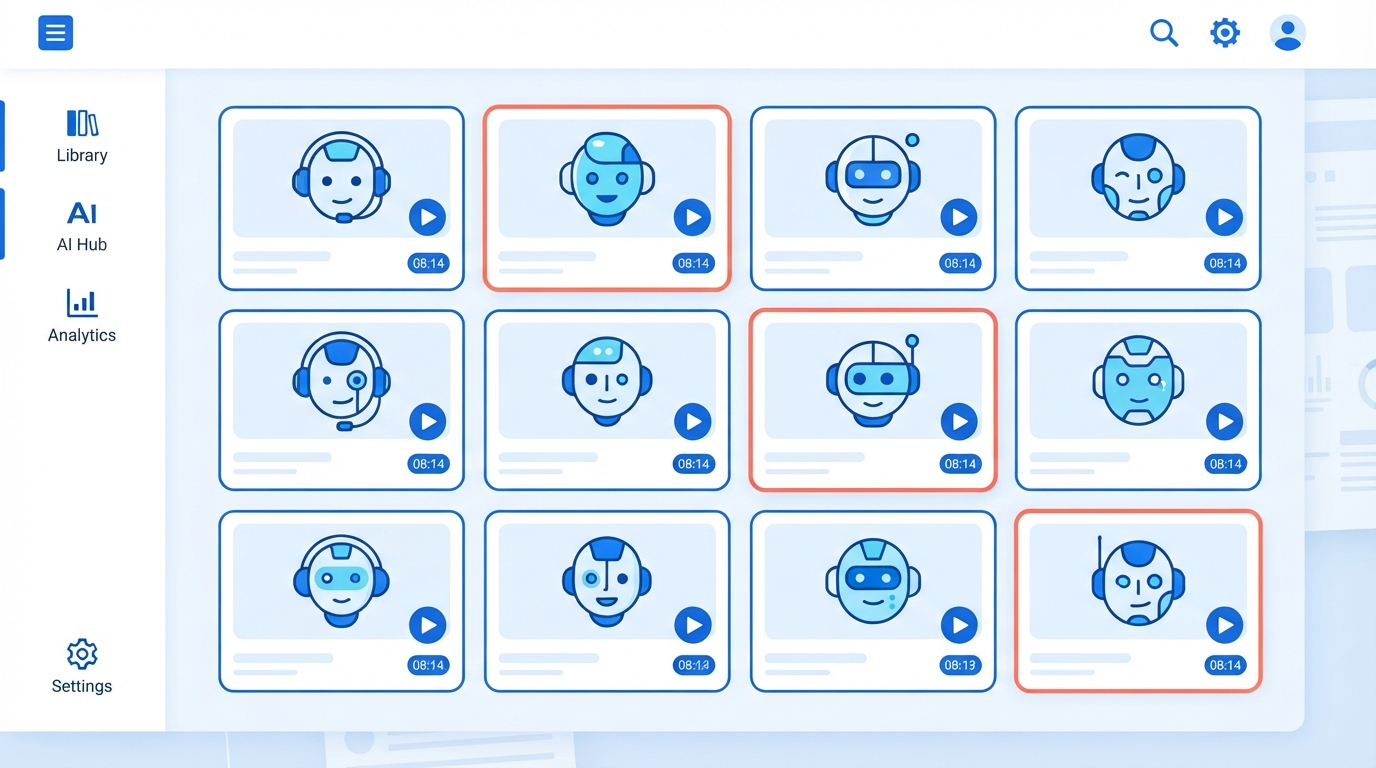
> A subscriber who's watched twenty of your videos will notice avatar drift long before you do in a side-by-side comparison.
## Realism vs. the Uncanny Valley: How "Real" Does Your Presenter Need to Look?
Not every faceless channel needs a hyper-realistic presenter, and that's worth saying plainly because most marketing pages imply otherwise. A stylized or slightly synthetic-looking avatar can work fine for a top-ten listicle channel or narration-driven content where viewers never expected a "real" human in the first place. But product reviews, testimonials, and advice content lean harder on viewer trust, and trust leans harder on realism.
The fastest way to fail this test is with the classic uncanny-valley tells: a static torso while only the mouth moves, blinking that doesn't track natural rhythm, or hand gestures that visibly loop. This is exactly the gap that separates tools marketed on realism from the rest — HeyGen's Avatar IV model, for instance, is noted by reviewers for handling facial micro-expressions and gesture control more convincingly than most competitors, and Zoice focuses specifically on realistic facial expression and precise lip synchronization aimed at improving viewer retention.
A simple, repeatable test before you commit: mute the audio and watch 30-60 seconds of sample output. Do the eyebrows, head tilts, and hand movements track the rhythm of speech, or do you see a stiff torso paired with an active mouth? Muting the sound removes your brain's tendency to forgive visual mismatches when the words are landing correctly — it's a more honest test than watching with audio on.
> Turn the sound off before you judge an avatar's realism — a stiff torso and a looping gesture are more visible in silence than a slightly-off mouth shape ever is.
The same underlying failure modes — drift, flicker, warped detail — show up across AI-generated video generally, not just avatars. See [why AI-generated videos look fake](https://clipnovia.io/blog/why-ai-generated-videos-look-fake) for the specific fixes if you're troubleshooting artifacts beyond the presenter itself.
## Language and Lip-Sync: How Far Does Your AI Presenter for YouTube Need to Travel?
This dimension only matters if you plan to use it. A single-language, single-market faceless channel can safely deprioritize this entirely and weight consistency, realism, and price more heavily instead — that's the point of a framework over a ranking: not every dimension carries equal weight for every creator.
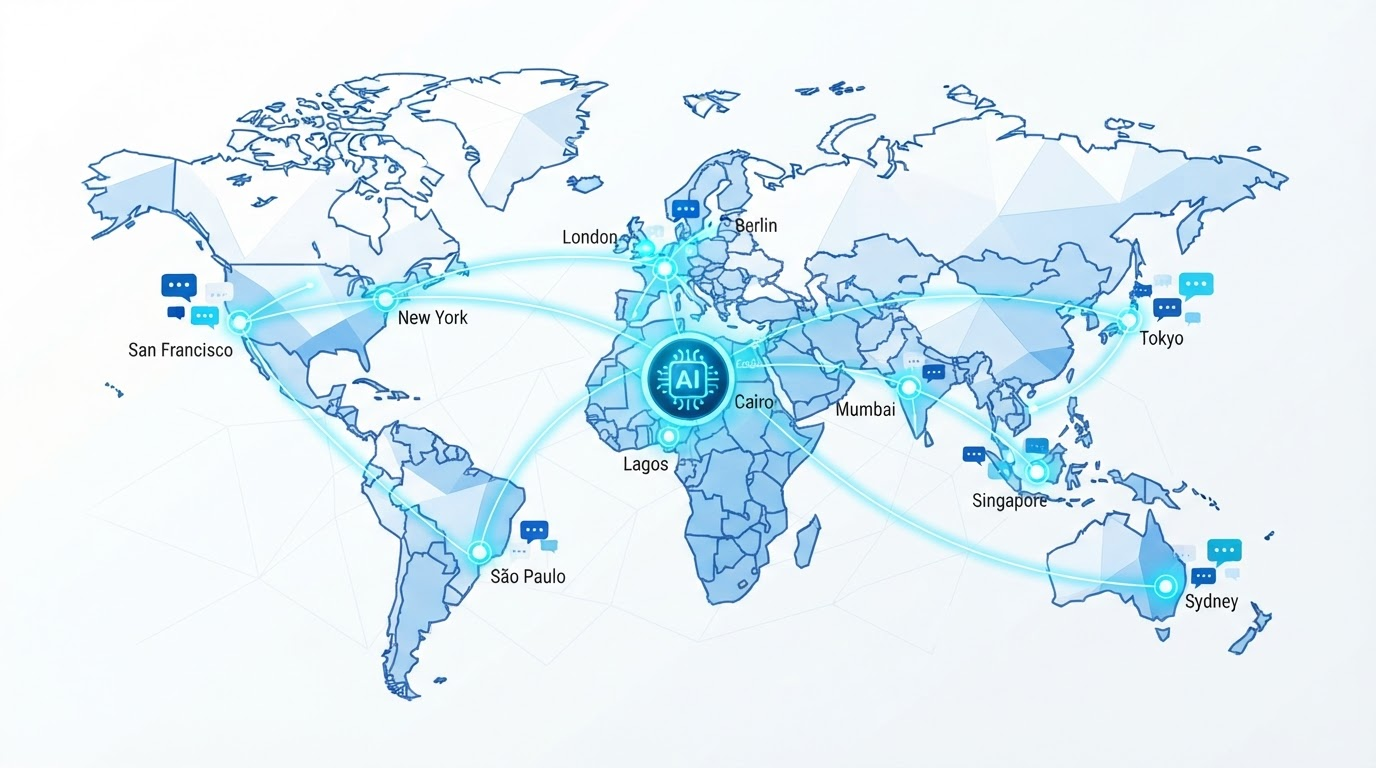
But if the plan is to turn one script into videos for multiple language markets, this becomes one of the biggest differentiators between tools. Synthesia's standout feature here is breadth: 160+ supported languages with lip-sync plus one-click video translation, which is why it's often positioned as a safe pick for global educational or explainer content — though it also tends to be pricier, with steep jumps between tiers.
The detail worth testing directly, rather than trusting a language-count badge: does the tool actually re-sync mouth movement for each language, or does it dub new audio over the original language's mouth shape? The difference is immediately visible to a viewer — re-synced lip movement looks native, dubbed-over audio looks exactly like what it is.
## Price Tiers: What You're Actually Paying for as You Scale
Pricing across this category shifts often enough that any specific number is approximate by the time you read it, but the general shape is worth knowing for budgeting purposes: entry-level plans commonly start around $20-30/month for basic features, and mid-tier plans often run roughly $50-200/month depending on video minutes and feature access. Treat these as directional, not a current price list — confirm exact pricing directly with any vendor before committing.
What actually changes between tiers matters more than the sticker price: number of video minutes or credits included, access to custom or cloned avatars versus a stock avatar library, output resolution, watermarking, and — critically for a faceless channel — API access for automated rendering.
The step most buyers skip: calculate your real monthly usage before comparing plans. Multiply your planned upload frequency by average video length. A channel publishing five 3-minute videos a week needs roughly 60 minutes of rendered video a month — check that number against each tier's minute cap and overage cost, not just the advertised starting price. Most of the real cost gap between tools shows up in overage fees and feature-gated add-ons once you're publishing at volume, not in the number on the pricing page.
> The advertised entry-tier price is rarely the price you're actually paying once your channel is publishing on a real schedule.
## Workflow Fit: Does It Support a Faceless, Automated Pipeline?
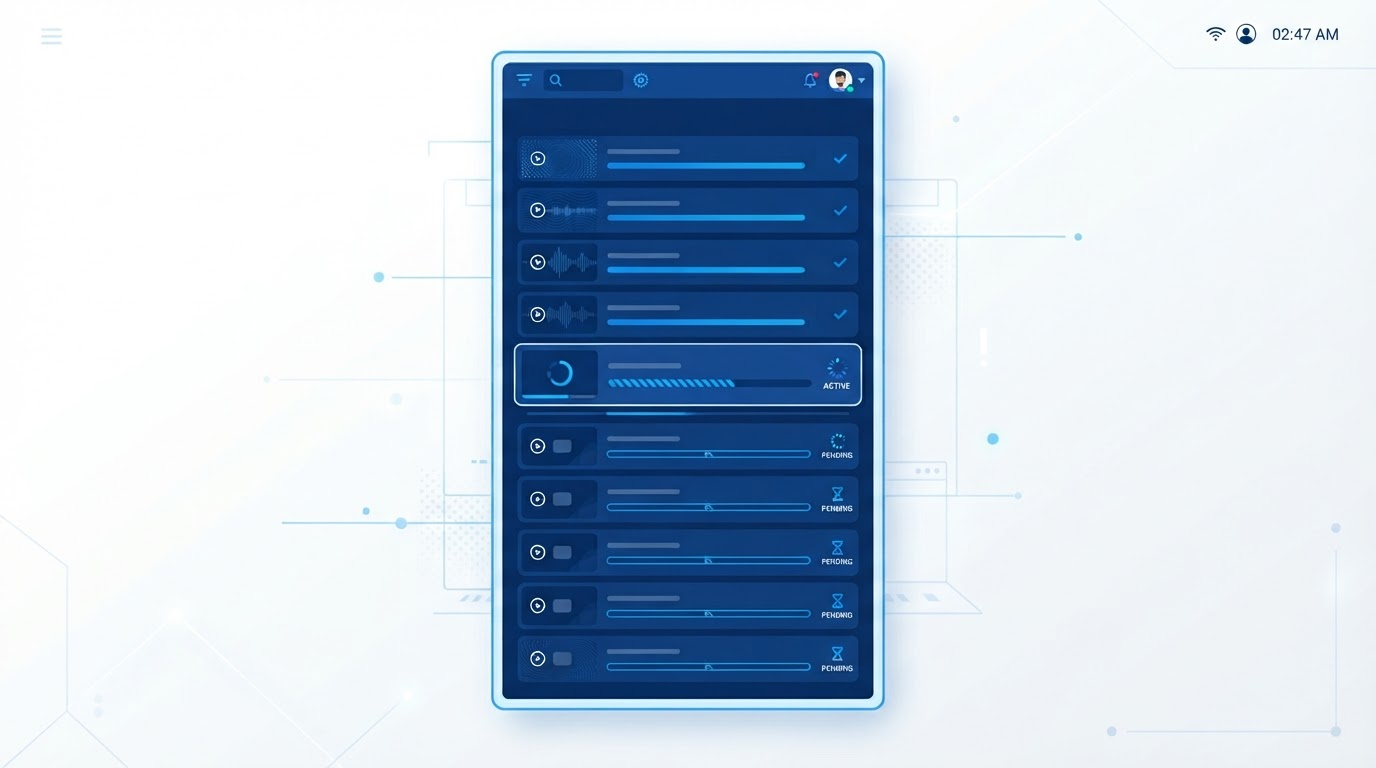
Two categories of tool get lumped together under "AI avatar tool" and they solve different problems. One is built for a single polished video — a manual, drag-and-drop editor ideal for a marketing team producing one demo a quarter. The other is built for repeatable output — API access, script-to-video automation, and bulk or batch rendering — which is what a faceless channel actually needs if it's publishing daily or near-daily.
Ask a specific question before you commit: can you send this tool a script and get a rendered video back without opening a manual editor at all? If the answer is no, that's not automatically disqualifying — for one or two videos a month, the manual editor most tools ship with is completely fine, and paying for automation you won't use is wasted budget. But for a channel running on a real publishing cadence, the absence of an API or batch path turns "AI avatar tool" into a part-time video-editing job with extra steps.
This also ties back to consistency: a workflow built for automation should let you lock in one avatar and one voice ID and reuse them across a batch job, rather than manually reselecting the avatar for every single upload.
## Comparing the Dimensions: A Quick-Reference Table
This isn't a ranking of which tool wins overall — it's a reference for how the five dimensions above actually manifest differently across a few real tools, so you can run the same comparison against anything you're evaluating, including tools not listed here.
| Dimension | What to test before you buy | Why it matters for a faceless channel | How it plays out in practice |
|---|---|---|---|
| Face & voice consistency | Generate the same script twice, a week apart, same settings — compare side by side | Subscribers recognize a returning host; drift breaks that recognition over time | Hedra animates one fixed portrait every render by design; Atlabs AI is built around keeping a presenter's look aligned across an entire video catalog |
| Realism vs. stylization | Mute the audio and watch 30-60 seconds — do gestures and blinks track naturally? | Uncanny-valley tells are one of the fastest ways to lose viewer trust before a word registers | HeyGen's Avatar IV is noted for facial micro-expression and gesture handling; Zoice focuses specifically on expression realism and lip-sync precision |
| Language & lip-sync reach | Check whether lip movement re-syncs per language, or audio is dubbed over the original mouth shape | Only matters if you're localizing into multiple markets — irrelevant for single-language channels | Synthesia supports 160+ languages with lip-sync plus one-click video translation, geared toward global explainer content |
| Price tiers | Multiply planned uploads × average length for real monthly minutes, check against tier caps | Entry pricing looks similar across vendors; the real gap appears in overage fees and gated extras at scale | Entry tiers often start around $20-30/month; mid-tier plans commonly run $50-200/month by minutes and features (approximate — confirm current pricing directly) |
| Workflow fit | Ask if you can send a script in and get a rendered video back without opening a manual editor | A daily-upload channel needs an automatable pipeline; an occasional creator doesn't need to pay for that | Varies by vendor — check specifically for API access or bulk/batch rendering, not just editor polish |
Before you commit, run this five-minute version of all five tests: generate the same script twice a week apart, mute the audio to judge gesture sync, render once in a second language if you'll ever need it, calculate cost at three times your current output, and confirm whether an API or bulk path exists at all.
None of this replaces testing with your own script — vendor demo reels are, understandably, each tool's best day. Run the same 60-90 seconds of copy through two or three candidates, judge them against the five dimensions above, and choose based on where your channel actually lives, not which homepage you read last. Once the avatar is locked in, the recurring bottleneck for most faceless channels shifts fast — from "what should my presenter look like" to "what should my presenter say today." That's a separate problem, and it's the part of the pipeline ClipNovia's viral video analysis is built to help with, by surfacing which hooks and formats are already working in your niche before you script the next episode.
If the avatar tool you land on generates its reference images with an underlying model like Nano Banana, it is worth knowing what changed when Google shipped Nano Banana 2.1 and what it actually costs to generate those reference images now: https://clipnovia.io/blog/nano-banana-2-1-vs-nano-banana-2
---
*Already picked a direction? See the [data-backed faceless YouTube channel ideas, checked against real demand and YouTube policy](https://clipnovia.io/blog/faceless-youtube-channel-ideas-2026) for a niche-by-niche breakdown before you commit to one.*