AI Shorts Generator: Pick the Right Tool by the Job, Not the Ranking
# AI Shorts Generator: Pick the Right Tool by the Job, Not the Ranking
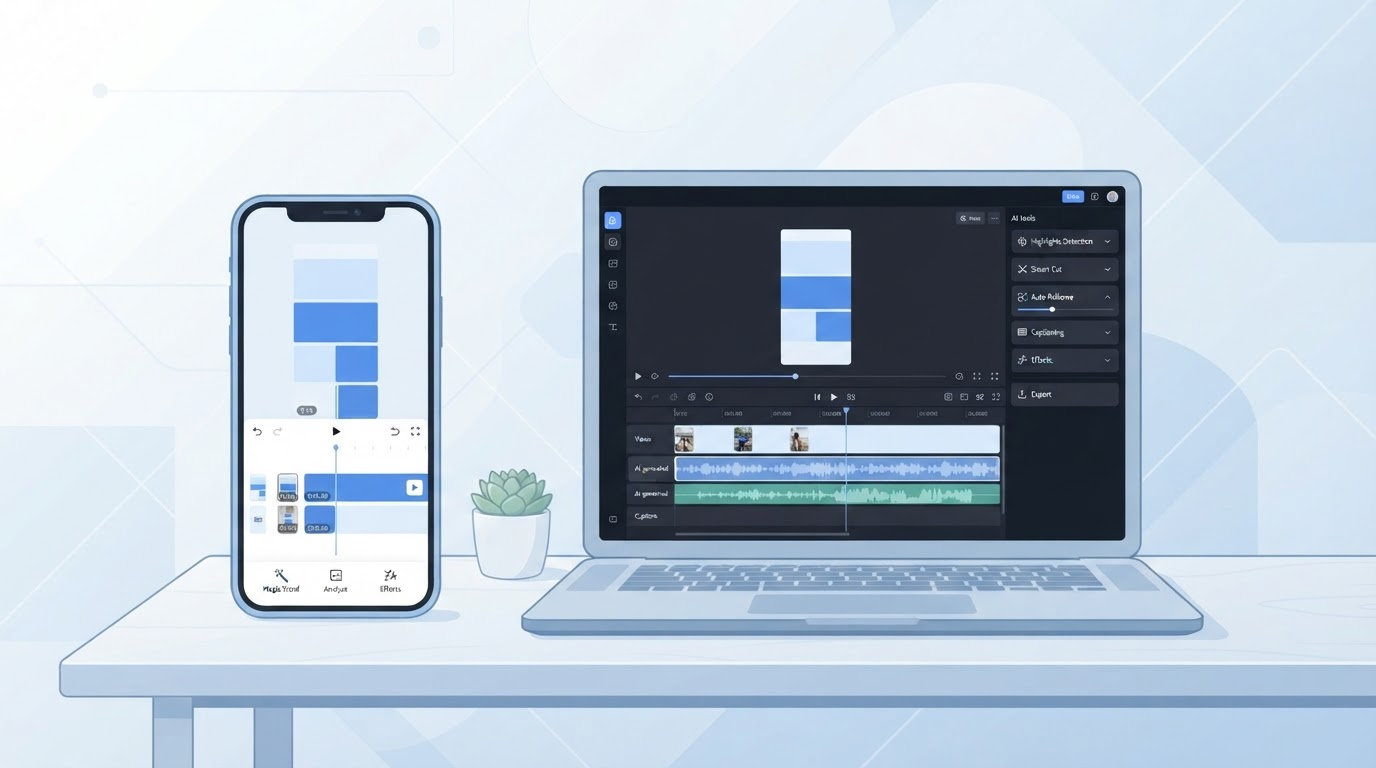
Short answer: "AI shorts generator" is not one product category, it's two. Some tools take a long video you already have and cut it down into shorts. Others take an idea, a script, or a reference clip and generate a brand-new short from scratch. Most "best AI shorts generator" roundups blend both types into a single ranked list, which is why so many of them read like they're comparing apples to toothbrushes. Figure out which job you actually have first, then the right tool gets a lot easier to pick.
## The two jobs hiding under one search term
**Job 1: You already have long-form footage.** A podcast episode, a livestream, a YouTube video, a Zoom recording. You want the AI to find the moments worth clipping, reframe them to vertical, add captions, and hand you a batch of shorts. This is *extraction* — the source material and the performance already exist, and the tool's job is to find and package the good parts.
**Job 2: You don't have footage yet.** You have a topic, a trend, or a script, and you want the AI to produce a new vertical video from text, images, or a reference video's structure. This is *generation* — nothing existed before you typed the prompt.
Searching "ai shorts generator" pulls tools built for both jobs into the same results page, plus a handful that try to do both. That's the actual reason generic "top 10 AI shorts generator" lists feel inconsistent: they're not testing the same job twice, they're testing two different jobs once each and averaging the scores.
## Extraction tools: clipping what already performed
Tools built for Job 1 — long-form-to-shorts clipping — typically work the same general way: you upload or link a long video, the tool transcribes it, scores segments for likely watchability, and exports vertical crops with auto-captions. This category is well established and includes tools like OpusClip, Vizard, and Riverside, alongside editing suites such as CapCut that have added clipping features. The value proposition is speed: turning one long recording into a week of shorts without re-shooting anything.
The limitation is equally consistent across the category: these tools can only be as good as the source footage. If the original long-form video never had a strong moment, no amount of AI scoring invents one. Extraction tools package existing performance — they don't create it.

## From-scratch generators: building the video, not just cutting it
Tools built for Job 2 start from nothing but a prompt, script, or reference. This spans a wide range of sub-categories: prompt-to-video generators that render a scene from a text description, AI-avatar tools that put a synthetic presenter on screen reading a script, and reference-based tools that study the structure of a video you point them at — hook length, pacing, cut rhythm — and generate a new video that follows a similar shape without reusing the original's footage, voice, or music.
The trade-off here is the opposite of extraction: from-scratch tools don't need you to already have good footage, but the output quality depends entirely on how well the tool understands what actually made the reference or the trend work, not just what it looked like on the surface.

## A quick decision framework
| If your situation is... | You have a Job 1 (extraction) problem | You have a Job 2 (generation) problem |
|---|---|---|
| You already recorded a podcast, stream, or long video | Yes | No |
| You're starting from a trend or idea with no footage of your own | No | Yes |
| You want to know *why* a viral video worked before making something similar | Not directly — extraction tools score your footage, not someone else's | Yes — this needs analysis, not just clipping |
| You want captions and reframing on footage you trust is already good | Yes | Overkill |
| You want a finished script, voiceover, and video from a single trend | No | Yes |
This isn't a ranked "best tool" table — it's a routing table. If your honest answer is "I have footage," an extraction tool is the faster, cheaper path. If your honest answer is "I have an idea, not footage," you need a generation tool, and the extraction tools above won't help no matter how highly they rank in a listicle.
## Where a full-pipeline tool like ClipNovia fits
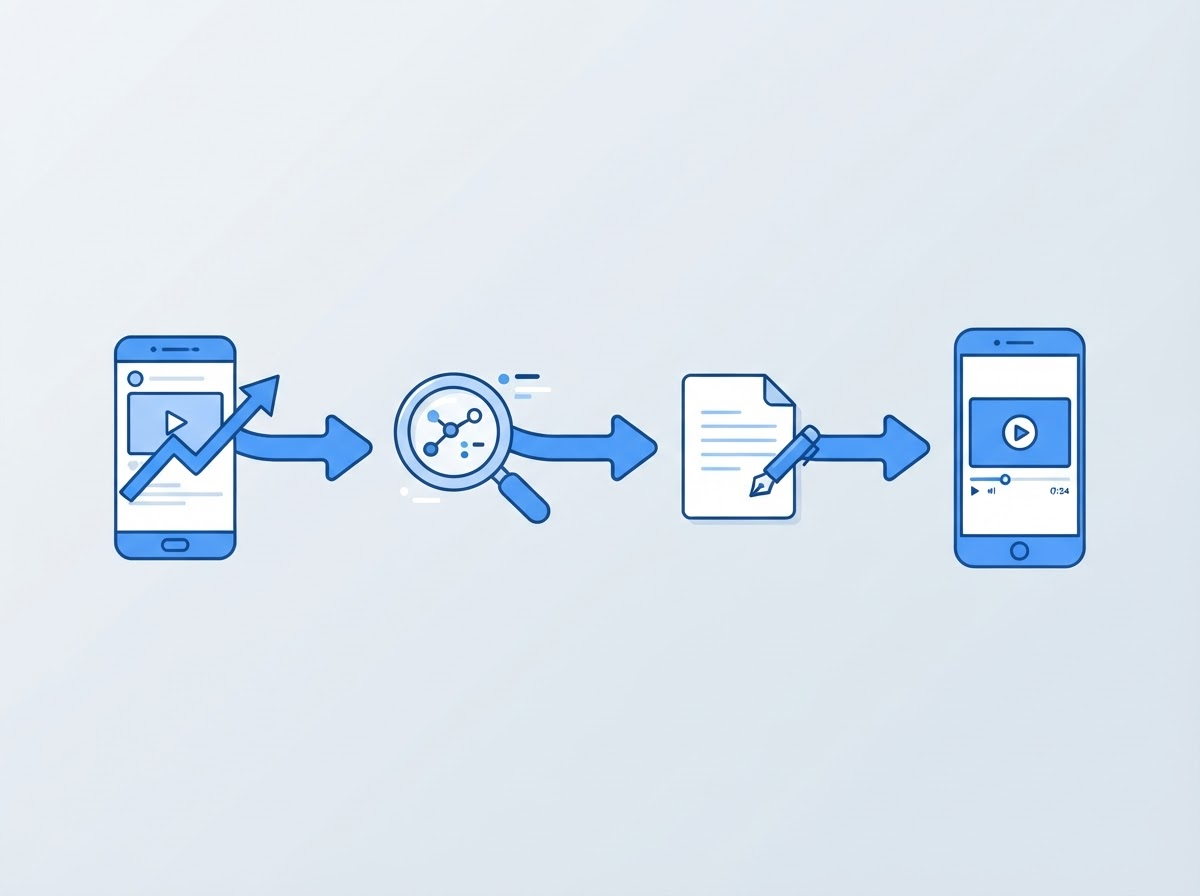
A smaller set of tools try to cover the gap between "seeing what's working" and "having something new to post" without you doing the research manually. ClipNovia is built for that middle step specifically: it can pull trending short-form videos for a niche, analyze a reference video's hook, pacing, and structure, and generate a new script, prompt set, voiceover, and video from that analysis — then assemble the result in an editor project. That's a Job 2 workflow (nothing gets built until you generate it), with the trend-research step that generic prompt-to-video tools skip.
To be direct about the boundary: this is reference-based generation, not frame-level video-to-video transformation, and it isn't an extraction tool — if your actual problem is "I have three hours of podcast footage and need it clipped," that's still squarely Job 1 territory, and a dedicated clipping tool is the right call.
## FAQ
**What is the best AI shorts generator?**
There isn't a single best one — the honest answer depends on whether you're clipping existing long-form footage (extraction) or generating a new short from an idea or trend (generation). This guide is a decision framework, not a ranked test, because no side-by-side testing across tools was run for this article.
**Can AI generate YouTube Shorts from scratch, with no source video?**
Yes. Prompt-to-video and reference-based generation tools produce a new video from a text prompt, script, or a reference clip's structure, without needing footage you already recorded.
**Do AI shorts generators work for TikTok and Instagram Reels too?**
Most extraction and generation tools export to a standard vertical format (9:16) that works across TikTok, YouTube Shorts, and Reels, though platform-specific caption and length conventions still vary.
**Is a free AI shorts generator good enough to start?**
Free tiers on most extraction tools are usually watermarked or limited to a handful of clips per month, which is fine for testing whether the workflow fits before paying. Free tiers on generation tools tend to be more limited because rendering full video is more compute-intensive than clipping existing footage.
---
Before picking a tool, get clear on the job: if you're staring at hours of raw footage, look for extraction. If you're staring at a blank page and a trend you want to understand, that's a generation problem — see how [ClipNovia analyzes a reference video and builds a new short from it](https://clipnovia.io), or read how to [reverse engineer viral videos](https://clipnovia.io/blog/how-to-reverse-engineer-viral-videos) and apply [hook formulas that hold up across formats](https://clipnovia.io/blog/viral-hook-formulas-for-short-form-video) once you know which job you're solving for. If your next question is about tools that reshape footage you already have rather than generate something new, [video-to-video AI is the adjacent, and different, category to check](https://clipnovia.io/blog/video-to-video-ai-explained).
One more adjacent decision: the image model behind your reference stills and thumbnails matters too. We ran the same prompt through Nano Banana 2 and Nano Banana 2.1 inside ClipNovia to see what Googles October 2026 update actually changed, and what it costs: https://clipnovia.io/blog/nano-banana-2-1-vs-nano-banana-2