How to Write a Documentary Narration Script with AI (Free Method)
# How to Write a Documentary Narration Script with AI (Free Method)
Writing a documentary narration script with AI is the single fastest way to go from a folder of research to a finished voiceover — if you know how to structure it, prompt it, and format it so a text-to-speech engine reads it like a person and not a robot. Most faceless creators get the first part right and the last part completely wrong: they paste a blob of text into an AI, get back something that sounds like a Wikipedia article, and wonder why the retention graph dies at the ten-second mark.
This guide fixes that. You'll get the exact three-act structure documentaries use, the prompts that pull hooks and pacing out of an AI instead of dry facts, the formatting rules that make TTS narration breathe, and a genre-to-voice matrix so a true-crime script doesn't sound like a nature doc. Everything here works with free tools first, then scales up when you're ready to publish.
Before we touch a single prompt, here's the mindset shift that separates channels that grow from channels that stall: the AI is your co-writer, not your ghostwriter.
## Why an AI Documentary Script Generator Isn't a "Push Button" Tool
The dream sold in a thousand thumbnails is that you type a topic and out comes a viral video. In reality, an AI documentary script generator is astonishingly good at reorganizing information, rephrasing awkward sentences, and drafting transitions — and astonishingly bad at knowing which facts matter, what your unique angle is, or where the emotional beat should land.
That's actually good news. It means the human skill that still wins is *editorial judgment*: choosing the story, the tension, and the payoff. The AI handles the grunt work — the phrasing, the "how do I say this differently" loop, the transition blocks — so you spend your energy on the parts that make a channel distinct.
> Narration tracks that used to take three to four weeks to nail can now get resolved in an afternoon — but only when the human owns the story and the AI owns the wording.
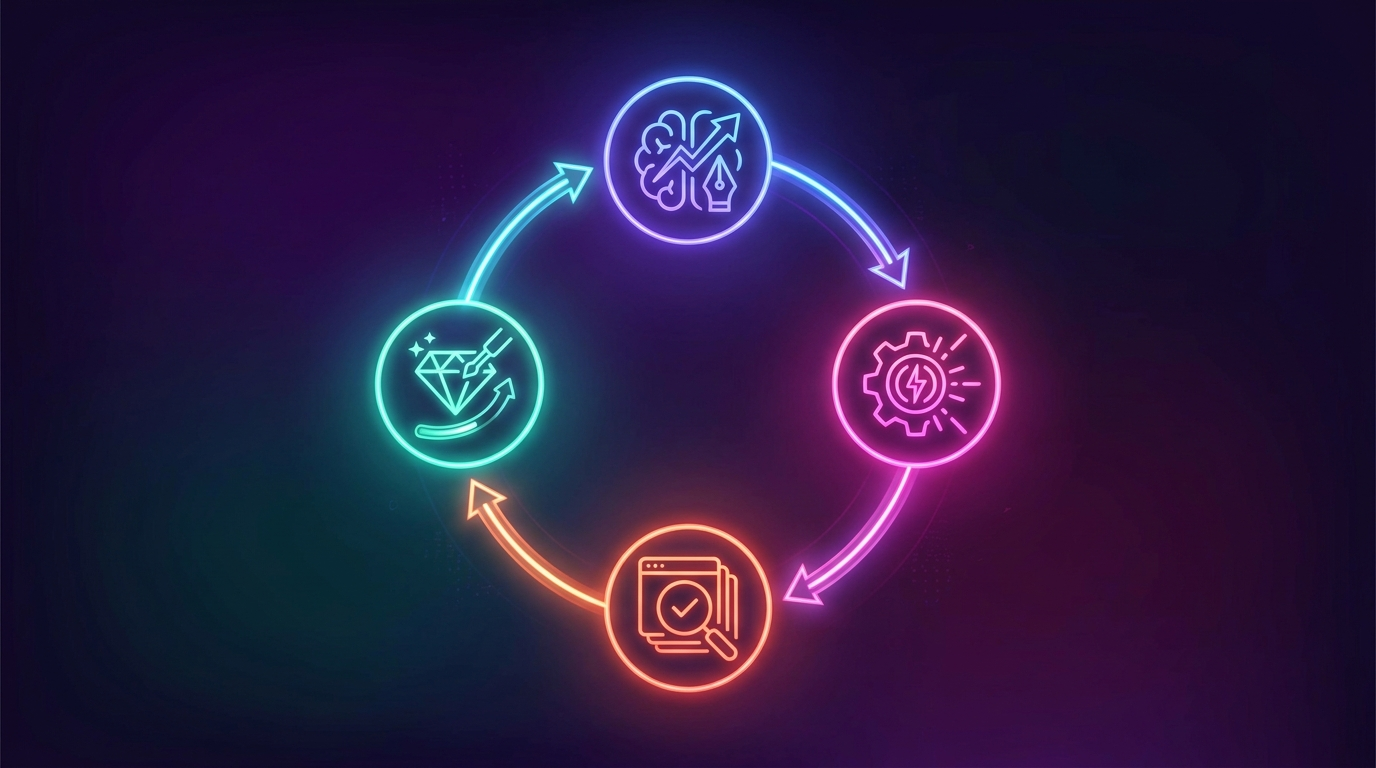
The workflow that consistently produces watchable video is a loop, not a single button: **gather research → draft with AI → review → refine → generate voiceover.** Skip the review step and you get generic. Lean into it and you get a script that sounds like *you* hired a professional narrator.
## Step 1: Gather Your Raw Material Before You Prompt Anything
The quality of an AI script is capped by the quality of what you feed it. Spend roughly thirty minutes collecting your source material first: key dates, names, quotes, the two or three facts that surprised you, and — most importantly — the *angle* you want to take. "The history of the Concorde" is a topic. "Why the fastest passenger plane ever built became a financial disaster" is an angle. Angles get watched.
Drop all of that into a single document. Bullet points are fine. Half-sentences are fine. You're not writing yet — you're giving the AI enough context that it isn't hallucinating to fill gaps. This is also your defense against fabricated facts: if it's not in your research doc, don't let it into the script.
A tool built for this workflow can shortcut the collection stage entirely. ClipNovia can pull viral source videos and reference material and help turn them into structured [scripts and video ideas](/features), so you start from real, performing content instead of a blank page.
## Step 2: Structure the Script in Three Acts
Every documentary that holds attention — from a 60-second faceless Short to a feature film — runs on the same skeleton: setup, tension, resolution. Outline these story beats *before* you write a word of narration, so each line pushes the viewer forward instead of listing facts.
Here's the structure mapped to what each act actually has to accomplish and roughly how much of your runtime it should own:
| Act | Job of this section | Runtime share | What the narration does |
|-----|--------------------|--------------|------------------------|
| Act 1 — Setup | Hook + establish the world and stakes | 15–20% | Open on a bold claim or unanswered question; introduce who/what/why-care |
| Act 2 — Tension / Exploration | Complicate the story, reveal the conflict | 55–65% | Layer facts as rising stakes; each beat raises a new question |
| Act 3 — Resolution | Pay off the setup, land the meaning | 20–25% | Answer the opening question; leave one lingering thought |
The mistake beginners make is treating Act 2 as a fact dump. It isn't. Every fact in the exploration phase should function as a *rising stake* — a new complication that makes the viewer need the next line. If a fact doesn't raise a question or deepen the tension, it belongs in the description, not the narration.
Write the entire narration before you gather or generate a single visual. If your argument is sound and your story is coherent in text-only form, the visuals just amplify it. If you build visuals first, you'll bend the story to fit your footage — and it shows.

## Step 3: Prompt the AI for Hooks, Tone, and Pacing
This is where a documentary narration script with AI either comes alive or flatlines. A lazy prompt ("write a documentary script about X") gets you an encyclopedia entry. A directed prompt gets you narration.
Give the AI four things every time:
- **Role and tone.** "You are a documentary narrator with a calm, ominous tone" produces radically different output than "an upbeat, curious science communicator."
- **The angle and the three acts.** Paste your outline. Tell it which fact is the hook and which is the payoff.
- **Pacing rules.** "Use short, declarative sentences. Vary sentence length. Build one open question per paragraph."
- **Constraints.** "Only use facts from the notes below. Do not invent statistics, dates, or quotes."
**Generate the hook separately and generate it five times.** The first ten seconds decide whether the rest exists, so it deserves its own prompt: "Write five different opening lines for this documentary. Each should be under 15 words, create an open loop, and avoid the word 'imagine.'" Then pick the one that makes *you* want to keep watching.
For the seams between sections, ask for options: "Write three different 5–10 second transitions bridging Act 1 to Act 2." Transitions are where amateur scripts clunk, and having the AI generate three lets you keep the one that flows.
> The best AI narration doesn't sound written — it sounds *spoken*. Read every line out loud. If you stumble on it, so will the voice.
## Step 4: Format the Script So Free AI Narration Voiceover Sounds Human
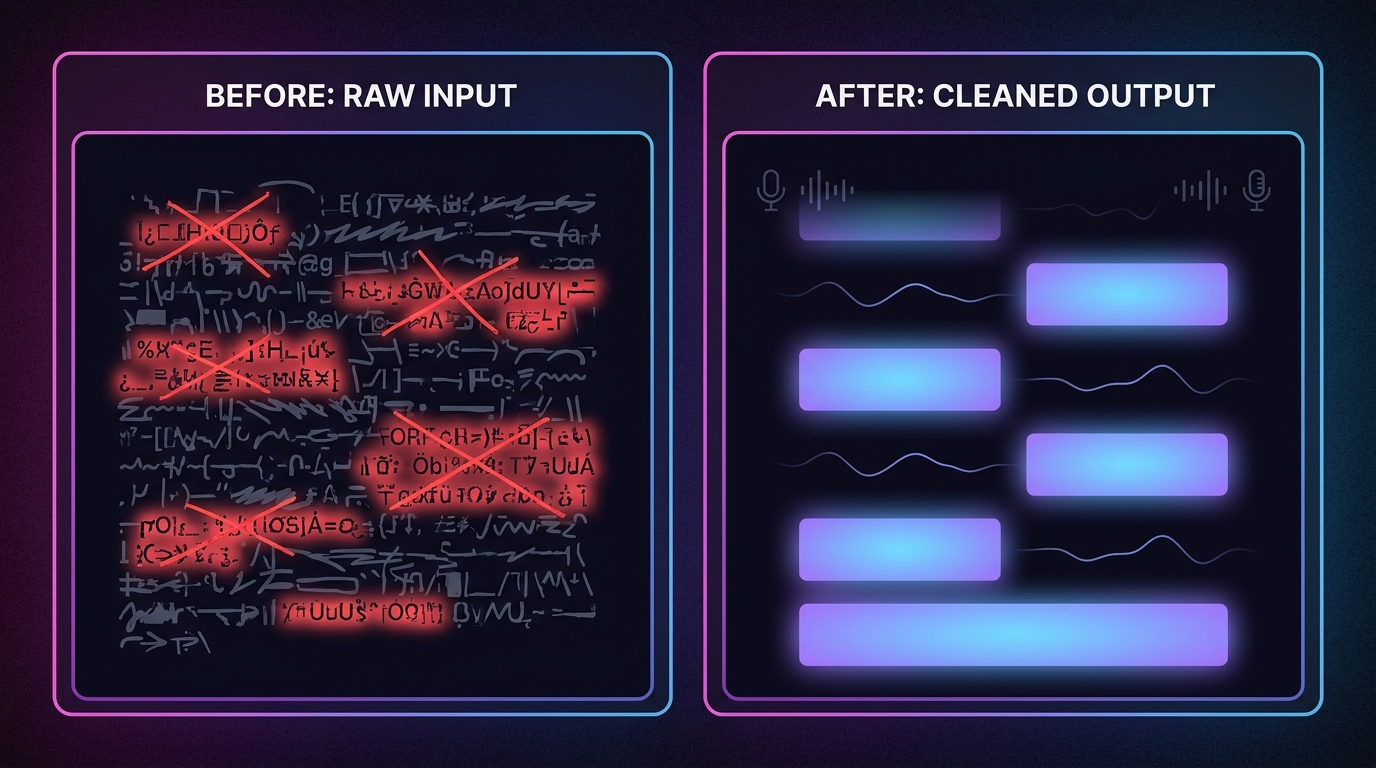
You've got a great script. Now comes the step almost everyone skips — and it's the difference between voiceover that sounds like a real narrator and voiceover that sounds like a GPS. Text-to-speech engines don't understand meaning; they read *punctuation and structure*. Format for the machine and free AI narration voiceover suddenly sounds premium.
Clean your script with these rules before it ever touches a voice engine:
- **Spell out numbers.** "1969" becomes "nineteen sixty-nine." "$2.4M" becomes "two point four million dollars." TTS mangles digits and symbols constantly.
- **Expand abbreviations.** "NASA's HQ in D.C." becomes "NASA's headquarters in Washington." Write exactly what you want *said*.
- **Punctuate for breath.** Commas are short pauses, periods are longer ones, and paragraph breaks are full stops for air. The engine uses these as breathing cues — so use commas deliberately, not just grammatically.
- **Break long text into paragraphs.** One idea per paragraph gives the narrator natural resets and stops the delivery from becoming a breathless run-on.
- **Use ellipses and line breaks for drama.** A line break before a reveal creates the pause that lets a heavy fact land.
A practical rhythm: after a punchy, important line, add a paragraph break so the visual has a beat to sink in. Pacing in narration isn't just what you say — it's the silence you leave around it.
## Step 5: Match the Voice to the Genre
A history doc, a true-crime story, and an uplifting profile need three completely different voices. Pick the wrong one and even a perfect script feels off. Here's a matching matrix to guide both your writing tone and your voice selection:
| Genre | Vocal tone | Pace | Writing style cues |
|-------|-----------|------|-------------------|
| True crime | Low, measured, ominous | Slow, heavy pauses | Short cliffhanger lines; withhold information |
| History / explainer | Warm, authoritative | Steady, even | Vivid sensory detail; clear cause-and-effect |
| Science / tech | Curious, energetic | Brisk | Analogies; rhetorical questions |
| Uplifting / human interest | Gentle, empathetic | Flowing | First-person quotes; emotional payoff |
| Mystery / conspiracy | Hushed, intense | Variable, tense builds | Open loops; "but here's what they didn't tell you" |
Notice the writing style and the voice move together. If you're scripting true crime, you write in short withholding lines *and* pick a low, slow voice — the two reinforce each other. Choosing your genre before you write, not after, keeps the tone consistent across script and delivery.
## Step 6: Run the Iterate-and-Refine Loop
Your first draft is a draft, not a script. The creators whose faceless documentary channel AI output actually looks professional run at least two refinement passes:
1. **Structural pass.** Does Act 1 hook in the first two lines? Does every Act 2 beat raise a stake? Does Act 3 pay off the opening? Cut anything that's just "interesting but irrelevant."
2. **Line pass.** Read it aloud. Any line you stumble on gets fed back to the AI: "Rewrite this line to be shorter and easier to say out loud." Repeat until it flows.
3. **TTS test pass.** Generate a rough voiceover of just the first thirty seconds. Listen for weird emphasis, rushed numbers, or missing pauses — then fix the *text*, not the voice, and regenerate.
This write-generate-review-refine loop is the whole game. It's cheap, it's fast, and it's where a generic AI draft becomes something worth publishing.
## From Script to Finished Video
Once your narration is locked, the remaining pipeline is voiceover → visuals → captions → publish. You can stitch this together manually with separate free tools, or use an AI documentary video maker that keeps the script, voice, and footage in one place so you're not exporting files between five apps.
This is the natural home for a platform like ClipNovia: it can take source material, help generate the [script and video](/create), produce the voiceover, burn captions, and publish the finished short — the same afternoon-not-three-weeks loop, end to end. If you're running a channel and the bottleneck is time, that consolidation is worth more than any single feature. You can see how the [plans compare](/pricing) once you've tested the free workflow above and know exactly what you need.
## Frequently Asked Questions
**Can AI write an entire documentary narration script by itself?**
It can write a complete draft, but not a publishable script without you. AI excels at phrasing, structure, and transitions; it can't judge which facts matter, guarantee accuracy, or supply your unique angle. Treat it as a co-writer: you bring the research and editorial calls, it handles the wording.
**How do I stop AI narration from sounding robotic?**
Format the script for text-to-speech, not for reading. Spell out numbers and abbreviations, use commas and paragraph breaks as breathing cues, and read every line aloud before generating. The delivery quality of free AI narration voiceover depends far more on how the text is punctuated than on the voice model itself.
**What's the best structure for a documentary script?**
Three acts: setup (hook and stakes, roughly 15–20% of runtime), tension/exploration (rising complications, the largest chunk), and resolution (payoff and one lingering thought). Outline these beats before writing any narration so each line advances the story instead of just listing facts.
**Are there free AI tools to write documentary scripts?**
Yes — several free AI script generators and TTS voice tools exist, and the method in this guide is built to work with them first. The limitation is usually stitching script, voiceover, video, and captions across separate apps. An all-in-one AI documentary video maker removes that friction once you're publishing regularly.
**How long should a faceless documentary script be?**
Match your target runtime: spoken narration averages roughly 130–150 words per minute, so a 60-second Short is around 130–150 words and a 10-minute long-form doc is closer to 1,300–1,500. Write to the runtime, then cut anything that doesn't raise a stake or pay one off.
**How do I match an AI voice to my documentary's genre?**
Choose your genre before writing so tone and voice reinforce each other. True crime wants a low, slow, ominous voice and withholding lines; science wants an energetic, curious voice and analogies; human-interest wants a gentle, flowing voice and emotional payoffs. Use the genre-to-voice matrix above as a starting point.
## Conclusion
Writing a documentary narration script with AI isn't about finding a magic prompt — it's about running a disciplined loop: gather real research, structure it in three acts, prompt for tone and pacing instead of raw facts, format ruthlessly for natural voiceover, and refine until every line sounds spoken rather than written. Do that, and a free AI workflow can produce narration that genuinely competes with channels paying for professional voice talent.
The story is still yours. The AI just makes it faster to tell. If you want the entire pipeline — source material, script, voiceover, captions, and publishing — in one loop instead of five disconnected tabs, [try ClipNovia](/create) on your next documentary and see how much of your afternoon you get back.