How to Make Your AI-Generated Scripts Not Sound Like AI (A Faceless Creator's Checklist)
# How to Make Your AI-Generated Scripts Not Sound Like AI (A Faceless Creator's Checklist)
If your script sounds like a Wikipedia summary read by a customer service bot, viewers swipe before your hook even lands — here's the exact checklist for stripping the "AI slop" out of ChatGPT and Claude drafts so they sound like a person talking.
## Why AI Scripts Sound Robotic in the First Place
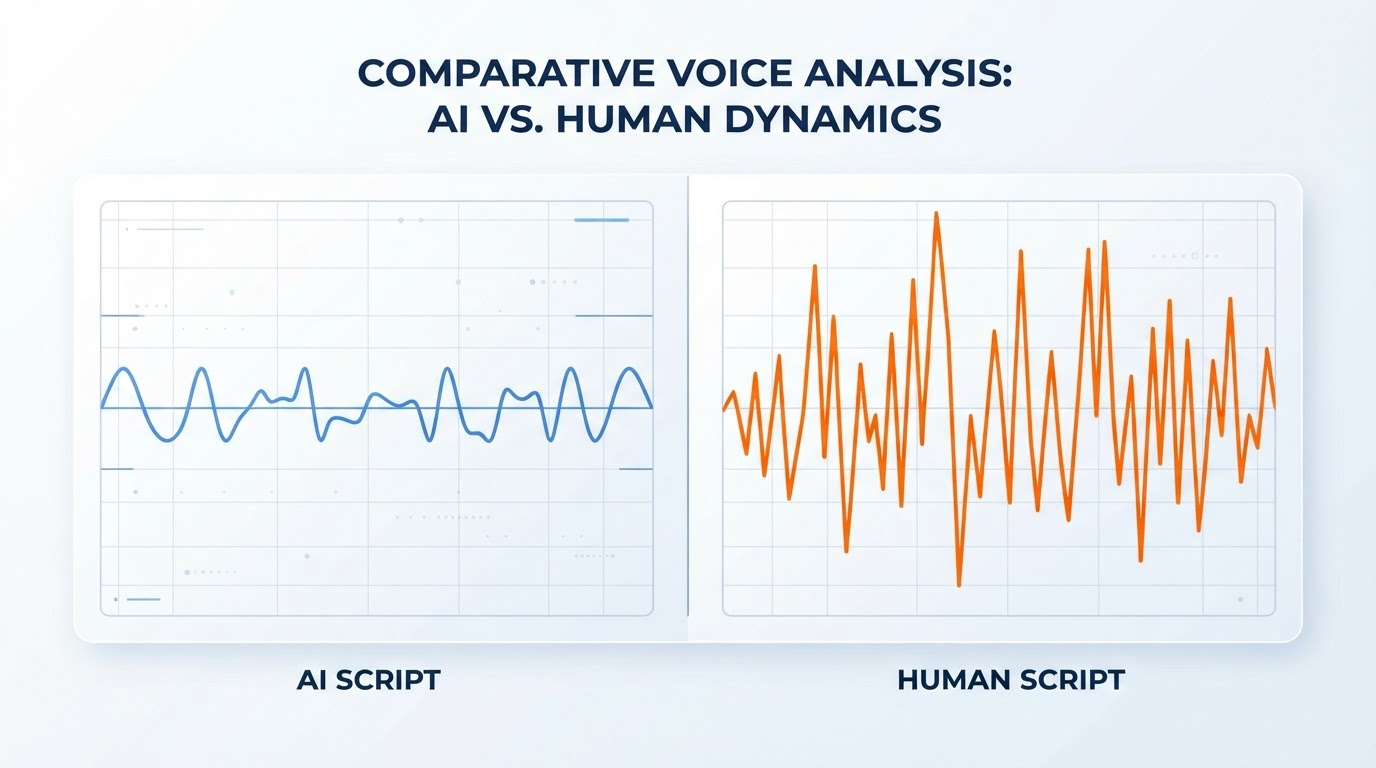
Before you can fix it, it helps to know what's actually broken. Language models generate text by predicting the statistically safest next word, over and over. That habit has a name in AI detection circles: **perplexity**. Human writing tends to make less predictable word choices — it has higher perplexity — while raw LLM output gravitates toward the most expected phrasing, sentence after sentence.
The second giveaway is **burstiness** — the natural variation in sentence length and rhythm that shows up in human writing. People write a punchy four-word sentence, then a long, winding one, then interrupt themselves. AI text, left unedited, tends to produce sentences that hover around the same length and structure throughout a paragraph, which is part of why detection tools like GPTZero flag it and why your ear catches it even faster than a detector does.
Add to that the fact that models like ChatGPT and Claude are trained heavily on formal sources — news writing, academic papers, corporate copy — and you get a default voice that's cautious, hedge-y, and over-explained. That's the opposite of what a 45-second faceless video script needs: it needs to sound like your best friend explaining something over coffee, not a press release.
> AI-generated text consistently scores lower on both perplexity and burstiness than human writing — which is exactly why it reads as flat and repetitive even before a detector touches it.
## The AI Tell Table: Words and Patterns That Give You Away
Certain words and phrase patterns act like a watermark. Some of these will slip into every third script if you don't actively hunt for them. Here's a working table you can paste into your notes and check your drafts against before every recording session.
| AI Tell (What ChatGPT/Claude Defaults To) | Why It Reads as Robotic | Human Fix |
|---|---|---|
| "Delve into," "explore," "unpack" | Overused filler verbs that pad instead of say | Just say what you're doing: "Here's why," "So what happened was" |
| "Moreover," "furthermore," "additionally" | Academic-essay transitions nobody says out loud | Cut it, or use "and," "also," "plus" — or nothing at all |
| "It's important to note that…" | Hedge phrase that adds zero information | Delete it entirely; just state the fact |
| "In today's fast-paced world…" | Generic scene-setter opener | Open on the specific, weird detail instead |
| "Not only X, but also Y" | Rigid parallel structure repeated across scripts | Break it into two short sentences |
| Rule-of-three lists ("faster, smarter, better") | LLMs default to triplets constantly | Use two items, or four, or a single strong one |
| Uniform sentence length throughout | Low "burstiness" — a key AI detection signal | Mix a 3-word sentence with a 20-word one on purpose |
| Perfectly balanced pro/con wrap-ups | Overly neutral, hedged conclusions | Take an actual position, even a small one |
| "Whether you're a beginner or an expert…" | Audience-hedging filler that stalls the hook | Pick one audience and speak directly to them |
This is the core of **ai script humanizing**: it's not about adding typos, it's about removing the tics that make writing sound like it's covering all its bases instead of talking to one person.
## Fix It at the Prompt Level, Not Just the Edit Level
The cleanest scripts come from creators who stop treating AI as a "write my final script" tool and start treating it as a first-draft generator that needs steering. A few prompt-level habits that noticeably cut down on **ai detection writing patterns** before you even open the editing pass:
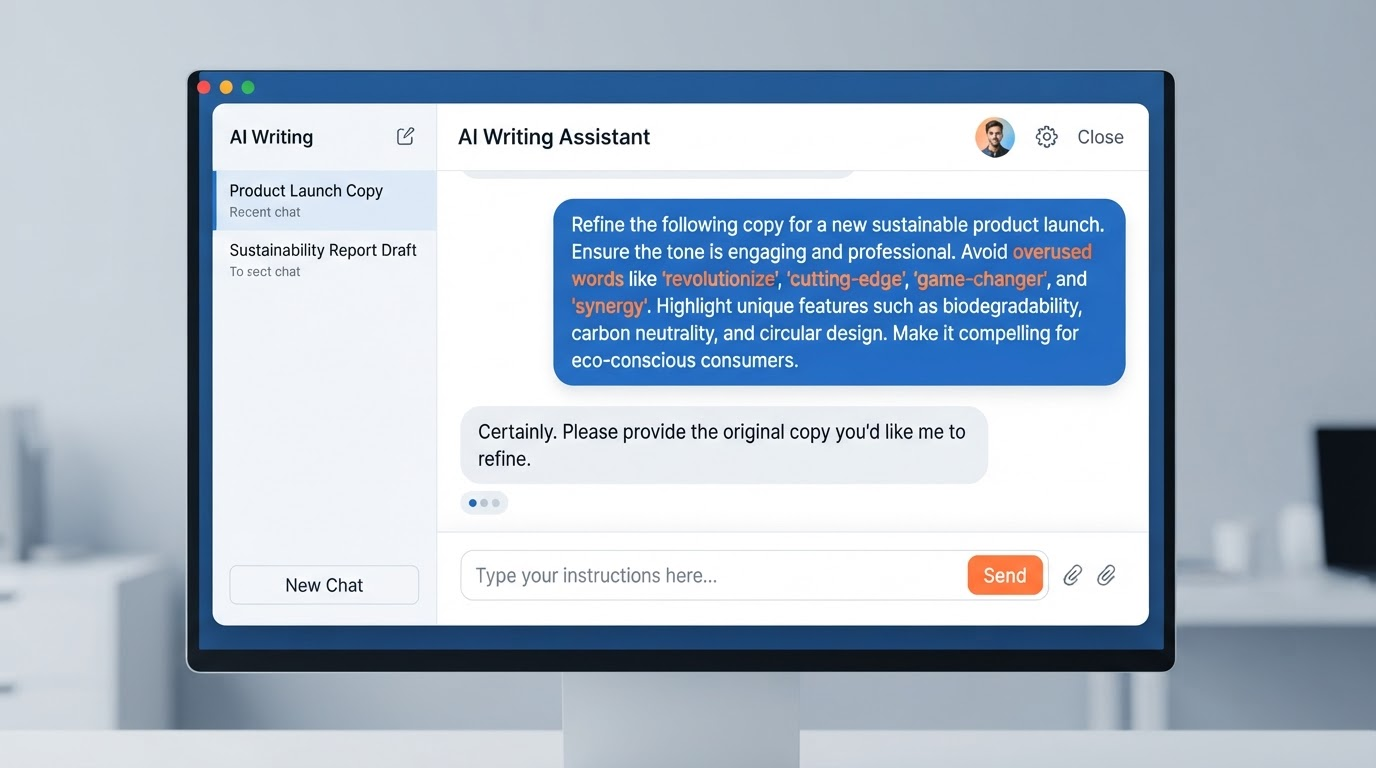
- **Ban the words up front.** Literally tell the model: "Do not use delve, moreover, furthermore, unlock, elevate, in today's world, or any rule-of-three lists." This works better than fixing it after the fact.
- **Give it a voice reference, not just a topic.** Paste in 2-3 of your own past scripts (or a creator you admire) and say "match this exact tone and sentence rhythm," not "write in a casual tone." "Casual" is vague enough that the model still defaults to its safest phrasing.
- **Ask for short, punchy sentences with deliberate rhythm breaks.** Something like: "Vary sentence length aggressively. Some sentences should be 3-5 words. Never write two sentences of similar length back to back."
- **Force a specific opinion or angle.** Neutral, both-sides framing is a hallmark of default AI output. Prompting for a clear stance ("argue that X is overrated") produces sharper, more human-sounding copy.
- **Generate in chunks, not one long pass.** A single 60-second script generated in one shot tends to lock into one rhythm for the whole thing. Drafting the hook, body, and CTA as separate prompts — then stitching them — breaks up that uniformity naturally.
None of this replaces editing. But a well-steered first draft needs a five-minute pass instead of a full rewrite, which matters a lot if you're running multiple faceless channels and can't spend twenty minutes humanizing every script by hand.
## The Editing Pass: A Sentence-Level Checklist
Once you have a draft, run it through this pass before it goes anywhere near a voiceover tool.
1. **Read it out loud, once, at normal talking speed.** Anywhere you stumble, pause awkwardly, or feel like you're "reading" instead of "saying" — rewrite that line. This single step catches more AI-sounding lines than any word-swap list.
2. **Cut every sentence that restates the previous one.** AI models love to summarize what they just said in slightly different words ("In other words…"). Human scripts don't do this — they move forward.
3. **Break at least one grammatically "correct" sentence into a fragment.** People talk in fragments. "Didn't work. Tried again." reads more human than a fully clausal sentence explaining the same thing.
4. **Add one specific, slightly weird detail per section.** A number, a brand name, a personal aside, an offhand joke. AI drafts trend generic because they're trained to be broadly applicable — specificity is the fastest way to undo that.
5. **Kill the hedges.** "It could be argued that," "in many cases," "generally speaking" — these are filler the model adds to avoid being wrong. Your script doesn't need to be legally defensible, it needs to be watchable.
6. **Check for the rule of three.** If you catch yourself with three parallel adjectives or three-item lists more than once in a script, cut one item from at least half of them.
> Higher variation in sentence length and structure — what detection research calls burstiness — is one of the clearest, most consistent differences between human and AI-generated writing.
## Writing the Script So the AI Voiceover Sounds Human Too
Humanizing the words is only half the job — a great script can still sound robotic if it's not written for how AI voice tools actually process text. A few **ai voiceover script tips** that matter specifically for faceless channels:
- **Use contractions everywhere.** "It's," "don't," "you're" instead of "it is," "do not," "you are." This alone makes a huge difference in how natural TTS output sounds, since formal phrasing pushes even good voice models toward a stiffer cadence.
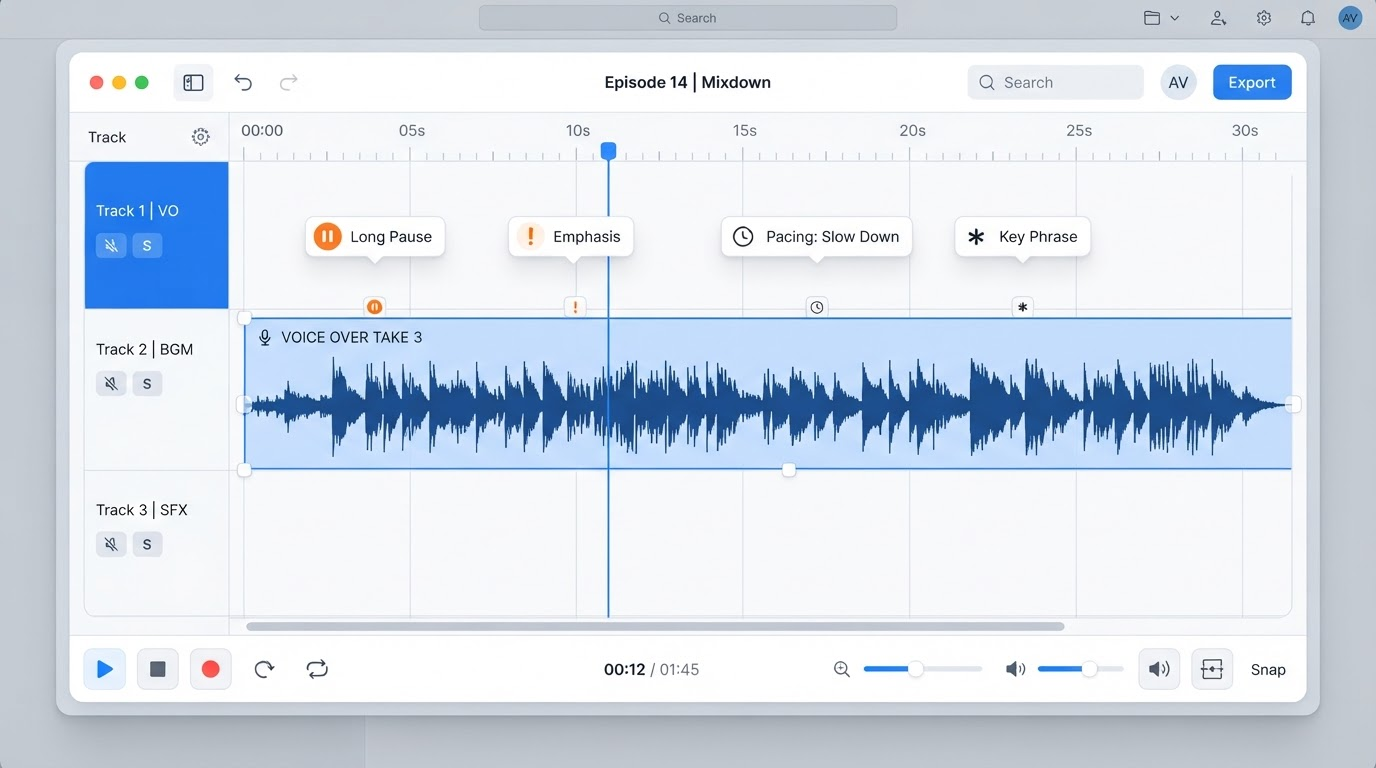
- **Punctuate for breath, not grammar.** Commas and periods control pacing in most TTS engines. Break a long sentence into two shorter ones purely to force a natural pause, even if a grammar checker would tell you to combine them.
- **Write numbers, symbols, and abbreviations the way they're spoken.** "1998" becomes "nineteen ninety-eight," "&" becomes "and," "#1" becomes "number one" — otherwise you risk a mispronunciation that instantly breaks the illusion.
- **Use ellipses or line breaks for dramatic pauses.** A well-placed "…" before a punchline or reveal gives the voice engine a beat to hold, which is often what separates a flat delivery from one with actual timing.
- **Avoid regional idioms and dense compound clauses.** They're exactly the kind of thing that trips up both the emotional inflection of AI voices and a viewer's attention span.
- **If your tool supports SSML, use it sparingly** to adjust emphasis or pacing on key words — the line that lands your hook or your call-to-action is worth the extra five minutes of tuning.
This step matters as much for **faceless youtube script writing** as the wording itself, because the voiceover is doing the acting your face isn't there to do. A perfectly humanized script read in a flat monotone still feels like a bot.
## The Final QA Pass Before You Hit Record
Before a script goes to voiceover, run it through one last gut check:
- Would I actually say this sentence to a friend? If not, rewrite it.
- Does every paragraph sound roughly the same length and rhythm as the one before it? If yes, break the pattern.
- Did I open with a generic statement ("In this video, we'll explore…") instead of a specific hook? Cut it and start with the interesting part.
- Is there at least one moment of personality — an opinion, a joke, a specific reference — in the first 15 seconds?
- Read the whole thing out loud one more time, at speed. If it sounds like narration instead of conversation, it's not done yet.
None of this is about beating a detector for its own sake — most viewers will never run your script through one. It's about the fact that the same patterns that trip AI detectors are the ones that make a human viewer's brain quietly register "this feels off" and reach for the skip button. Fixing the writing fixes both problems at once.
**A quick summary of the whole workflow:**
1. Draft with a steered prompt that bans stock AI phrasing and asks for varied sentence rhythm.
2. Run the tell-word table against the draft and cut what you find.
3. Do a full read-aloud pass and rewrite anywhere you stumble.
4. Format for voiceover — contractions, spelled-out numbers, punctuation for pacing.
5. Read it aloud one final time before recording.
Do this consistently and your scripts stop reading like a summary of the topic and start sounding like someone who actually has something to say about it — which, on a platform where the first three seconds decide everything, is the entire game.