Video-to-Video AI, Explained: What It Actually Does (and When You Need Something Different)
# Video-to-Video AI, Explained: What It Actually Does (and When You Need Something Different)
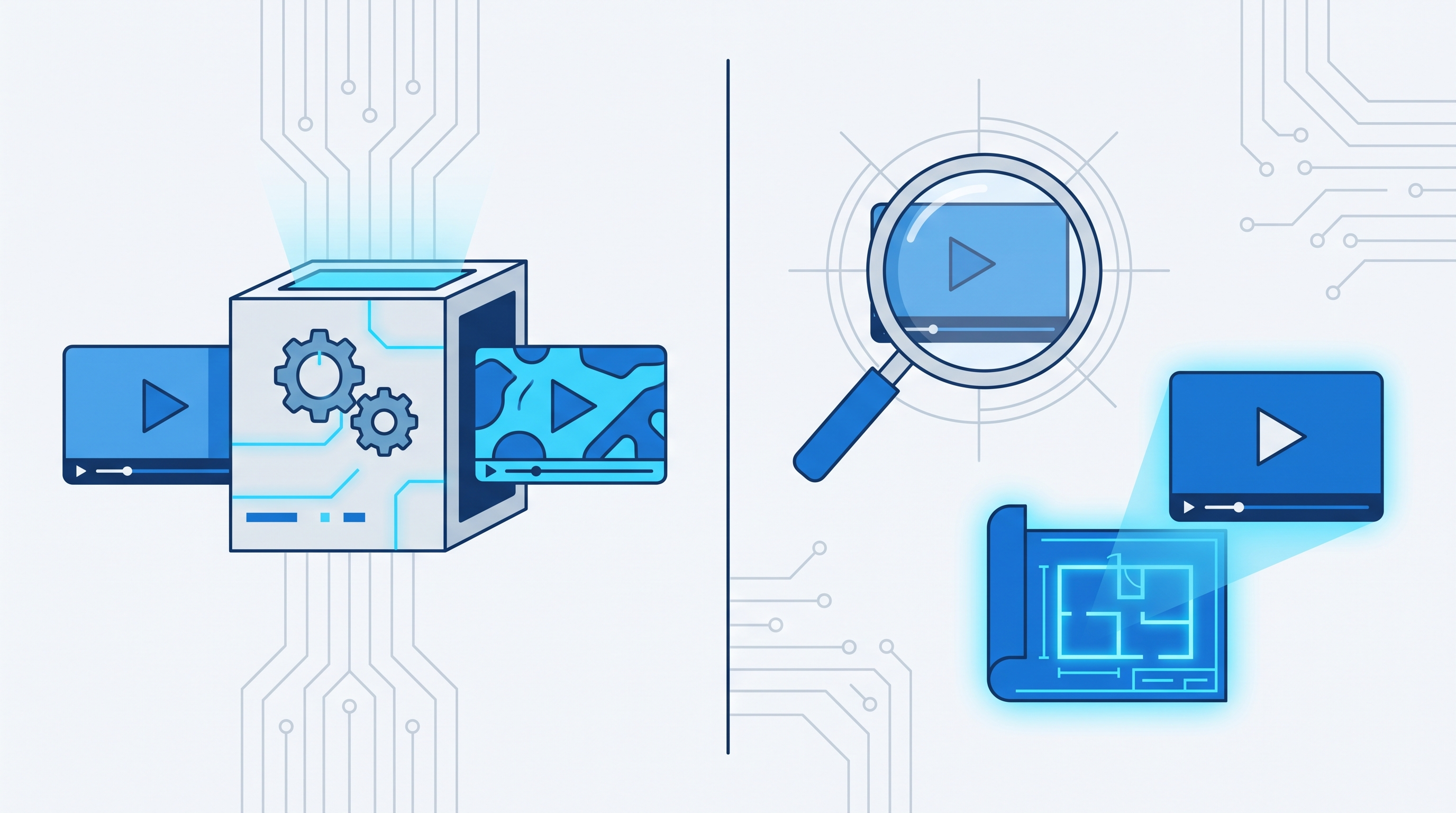
Short answer: "video-to-video AI" means you upload a video you already have, and the model changes how it looks — a new visual style, a different mood, sometimes a different camera feel — while keeping the original motion and structure intact. It is a real, useful category. It is also not the same thing as taking a video you admire and generating a brand-new video that follows the same structure without reusing any of its footage. Creators often want the second job and go looking for the first term, so this guide separates the two before you pick a tool.
## What "video-to-video AI" actually does
Every dedicated video-to-video tool on the market today does some version of the same thing: you upload your own clip, the model analyzes it frame by frame, and it re-renders those frames in a new style while preserving the underlying motion. Artlist's video-to-video tool describes this as transforming footage "by changing its style, mood, characters, and visual elements while keeping the structure intact." DeeVid's version has you upload a clip, pick a style, and it "analyzes the video and applies the selected style, transforming each frame." EaseMate frames it as text-prompted restyling — shifting camera angles or lighting "while maintaining natural motion and story continuity" (checked 2026-08-23; see source ledger below).
That is the job this category solves well: you have usable footage and you want it to look like something else. It is a style-transfer problem, not a content-creation problem — the video you get out is still, structurally, the video you put in.
## Who is actually building this right now
As of 2026-08-23, a live search for "video to video ai" surfaces two groups of players:
- **Dedicated video-to-video tools** — Artlist AI, DeeVid, and EaseMate AI, all built specifically around the upload-and-restyle workflow described above.
- **Multi-purpose AI video generators that also offer it as a feature** — VEED, Adobe Firefly, Canva, Invideo AI, and Pixlr (which layers video-to-video on top of underlying models like Veo, Seedance, and Kling), alongside broader tool-comparison pages from Zapier, HeyGen, and Synthesia that rank video generators generally rather than testing the video-to-video use case specifically.
None of the ranking pages currently do side-by-side, same-input testing of the video-to-video feature itself — they compare overall video generators, with style transfer as one line item among many. That is the actual gap: someone evaluating video-to-video AI today can find plenty of "best AI video generator" roundups, but not a source that tested the restyle job specifically. If that is the job you have, treat any single tool's marketing claims as a starting point to test on your own footage, not a verdict.
## The job video-to-video AI is *not* built for
If what you actually want is: "I saw a video format that's working right now, and I want to make my own new video that captures the same hook and structure — with my own footage, avatar, or voice" — video-to-video restyling does not solve that. You do not have the original footage to upload, and even if you did, re-skinning someone else's frames raises the exact copying risk you are trying to avoid. Reusing another creator's shots, only with a new visual filter over the top, is closer to imitation than original content.
That is a different, adjacent category: reference-based generation. Instead of transforming footage, the software watches a reference video, extracts *why* it works — the hook mechanic, pacing, structural beats — and generates a new video built from that blueprint, with new footage, script, and voice. ClipNovia works this way: you add a reference video, it gets analyzed for hook, structure, and cut rhythm, and that analysis feeds prompt and script generation for a genuinely new video — not a restyled copy of the original. To be direct about the distinction: this is not pixel-level video-to-video transformation, and it is not marketed as one. It is a different tool for a different job that happens to start from the same instinct — "turn this video into a new video."
## A decision framework, not a ranking
Because no independent, same-input test of these tools exists yet (see the gap above), here is a decision guide instead of a "best of" list:
| If your situation is... | The category you want is... |
|---|---|
| You have your own usable footage and want a new look, mood, or style on top of it | Video-to-video / style-transfer tool (Artlist AI, DeeVid, EaseMate, or the video-to-video feature inside VEED, Adobe Firefly, Canva, Invideo, or Pixlr) |
| You saw a trending short-form video and want to make your own new video with the same hook and structure, without reusing its footage | Reference-based generation (ClipNovia's analyze-and-generate workflow) |
| You're starting from a text idea with no source video at all | A text-to-video model (Veo, Kling, Seedance, Runway) |
If you're not sure which bucket you're in, ask one question: *do I already have footage I like the content of, and just want it to look different?* Yes points you to video-to-video. No — you're starting from someone else's video and want your own new one — points to reference-based generation instead.
## FAQ
**Is video-to-video AI the same as text-to-video AI?**
No. Text-to-video starts from a written prompt and generates footage from scratch. Video-to-video starts from footage you already have and changes how it looks. Some platforms, like Pixlr, offer both as separate features built on the same underlying models.
**Is there a free video-to-video AI tool?**
Several of the multi-purpose generators (Canva, Invideo AI, Pixlr) advertise free tiers for basic generation, typically with watermarks, resolution caps, or limited monthly renders on the free plan — confirm current limits directly on each vendor's pricing page before relying on one, since free-tier terms change often.
**Can video-to-video AI recreate a viral trend for me?**
Not directly — it restyles footage you feed it, it does not source or recreate someone else's viral video for you. If the goal is capturing what makes a trending format work and turning it into your own new video, that is the reference-based generation job described above, not style transfer.
**Does ClipNovia do video-to-video transformation?**
No — and we want to be precise about that rather than let the keyword do the talking. ClipNovia analyzes a reference video's hook and structure, then generates a new video from that analysis. If you specifically need to restyle footage you already own, a dedicated video-to-video tool is the right category for that job.
## Related reading
- [How to Reverse Engineer Viral Videos](https://clipnovia.io/blog/how-to-reverse-engineer-viral-videos)
- [Is It Legal to Recreate a Viral Video With AI?](https://clipnovia.io/blog/is-it-legal-to-recreate-a-viral-video-with-ai)
- [Why Your AI-Recreated Viral Video Isn't Performing Like the Original](https://clipnovia.io/blog/why-ai-recreated-viral-video-not-performing)
## Sources and dates
- Artlist AI video-to-video product page, checked 2026-08-23: [artlist.io/ai/video-generator/video-to-video](https://artlist.io/ai/video-generator/video-to-video)
- DeeVid video-to-video product page, checked 2026-08-23: [deevid.ai/video-to-video](https://deevid.ai/video-to-video)
- EaseMate AI video-to-video generator, checked 2026-08-23: [easemate.ai/video-to-video-generator](https://www.easemate.ai/video-to-video-generator)
- Live SERP composition for "video to video ai", observed via web search 2026-08-23 (Artlist, DeeVid, EaseMate, Pixlr, VEED, Adobe Firefly, Canva, Invideo AI)
- Directional US search volume for "video to video ai" (1,600/mo): SEOData, cached 2026-08-16/17 — directional estimate, not GSC-verified; recheck before reuse in a future update
- ClipNovia product capability: first-party MCP tool documentation for the ClipNovia content pipeline (add_reference_video → analyze_video → generate_prompts → generate_video), verified 2026-08-23
*This article compares publicly described vendor capabilities as of the dates above; ClipNovia did not run side-by-side tests of competitor video-to-video output. Feature sets and pricing change — confirm current details on each vendor's site before choosing a tool.*