Why Your AI-Generated Faceless Videos Look Fake (And How to Fix It Before You Post)
# Why Your AI-Generated Faceless Videos Look Fake (And How to Fix It Before You Post)
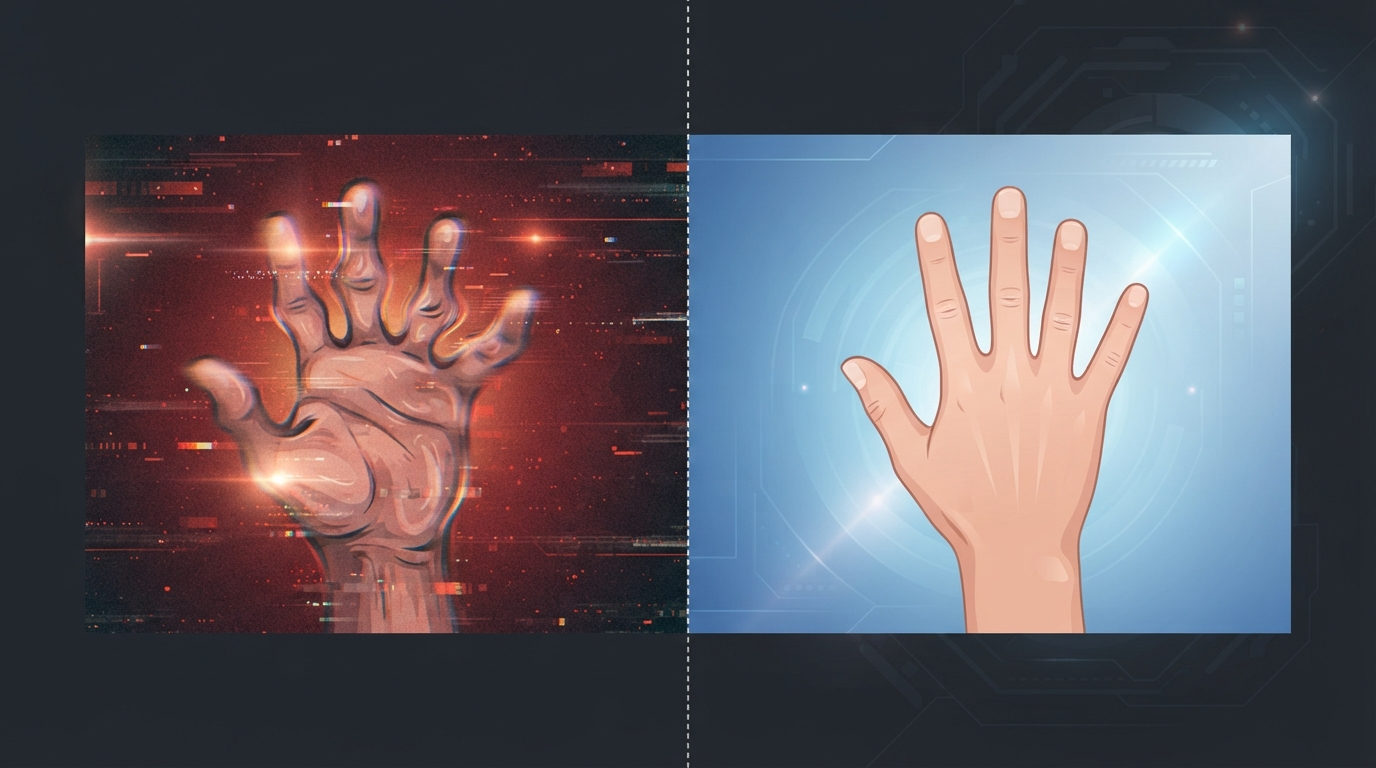
Short answer: it's almost never one big thing — it's a handful of predictable failure points (hands, lighting consistency, and frame-to-frame morphing) that AI video models still struggle with, and each one has a specific, known fix. You don't need a better tool so much as you need to know which five things to check before you hit publish.
Viewers don't need to know anything about diffusion models to clock a fake AI video — they just feel "off" about it, and they swipe. If your faceless content is getting generated fast but underperforming, the artifacts below are usually why.
## The Specific Things That Give AI Video Away
"Looks fake" isn't one problem, it's a short list of recurring ones. Here's what's actually happening in each case, and the quick fix for it.
| What you see | Why it happens | Quick fix |
|---|---|---|
| Warped, extra, or fused fingers | Hands are geometrically complex, with overlapping and rotating parts that confuse the model frame to frame | Avoid hand close-ups; regenerate the shot or keep hands out of frame entirely |
| Background lighting pulsing or shimmering | Lighting and texture get recalculated independently each frame, so small inconsistencies flicker | Lock to a single, described light source instead of layering multiple lighting descriptors |
| A face that subtly shifts mid-sentence | Most models are trained on still images, not video sequences, so they don't fully model how a face should move over time | Keep talking-head shots shorter, and avoid asking for large expression changes mid-clip |
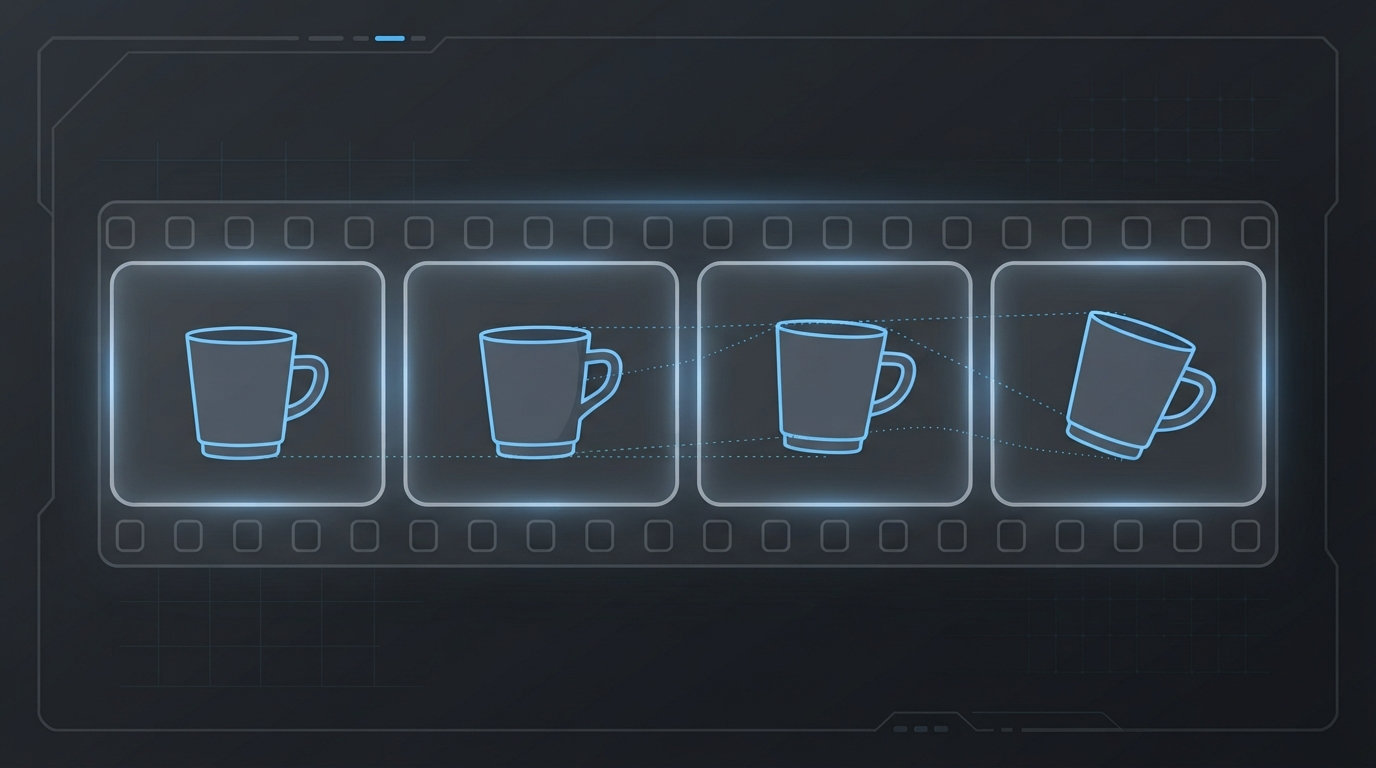
| Objects that reshape or move between cuts | AI video has no real sense of object permanence — items get re-estimated each frame instead of tracked | Generate in shorter 3-5 second segments and stitch them, rather than one long unbroken take |
| Motion that looks slightly too smooth or too floaty | Physics isn't modeled directly, it's inferred from training data, so unusual movement breaks the illusion first | Ask for slower, simpler camera movement instead of fast pans or complex motion |
None of these are random bad luck. They're the same handful of failure modes showing up across every AI video tool right now, which is actually good news: fixable, known problems beat mystery ones.
## Why This Keeps Happening, in Plain English
Most AI video generators build a clip by estimating what each frame should look like, then stitching those estimates into motion. There's no persistent 3D understanding of the scene underneath — no model of "this hand has five fingers and stays that way," no memory that "this lamp was on the left a second ago." Everything gets re-guessed, frame by frame, which is exactly why hands drift, backgrounds shimmer, and objects quietly reshape between cuts.
This is also why longer, more complex shots fail more often than short, simple ones. Every additional second is another few dozen frames where something can drift slightly out of consistency, and once it does, your eye catches it even if you can't say exactly why.
## The Fix That Actually Works: Ground the Generation in Something Real
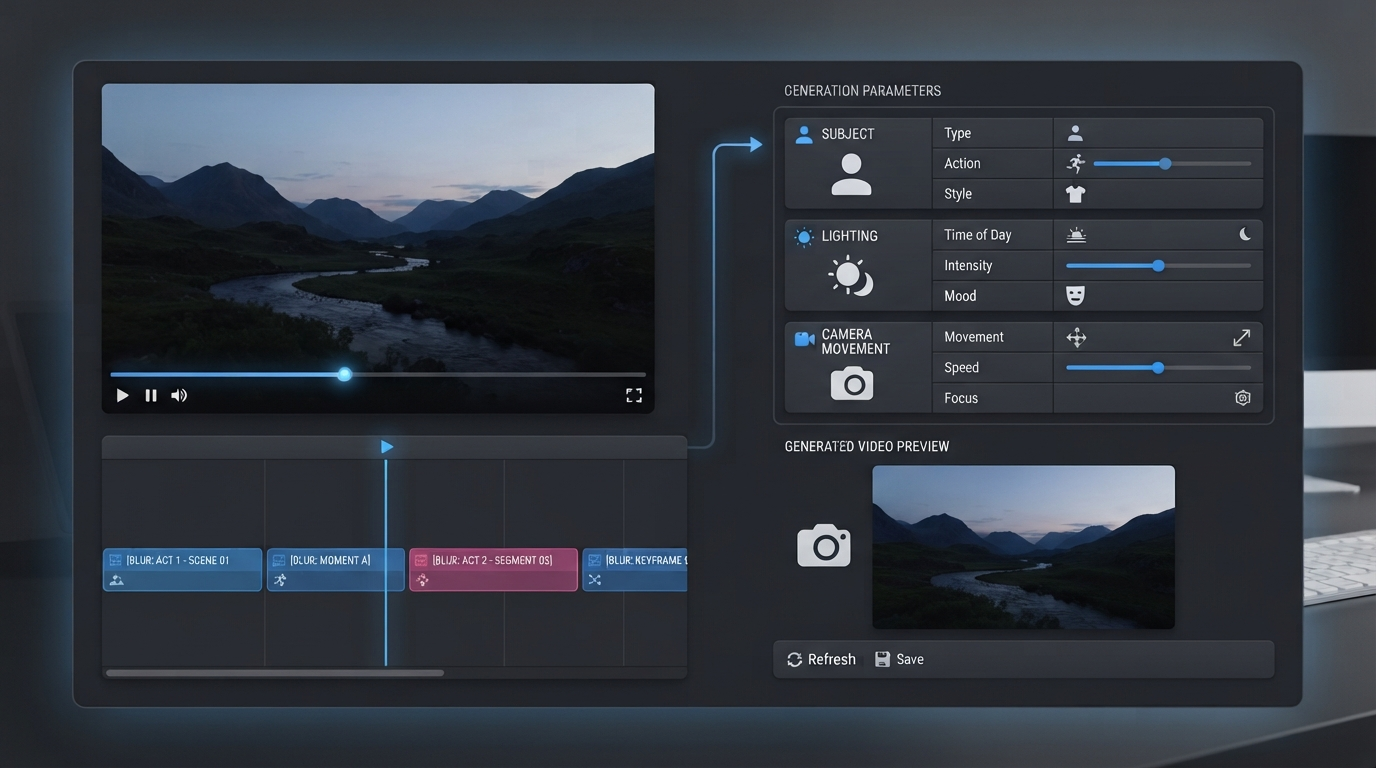
The prompt-engineering advice you'll find everywhere is genuinely useful as far as it goes: put your subject and action first, since models weight the first 20-30 words of a prompt most heavily; describe one continuous shot like a cinematographer, not a multi-scene story; keep it to two to four sentences; and specify lighting, camera movement, and style explicitly rather than leaving them to guesswork.
But there's a ceiling on how far pure prompt-writing gets you, because you're still asking the model to invent pacing, framing, and motion from a text description with no ground truth behind it. The more reliable fix is giving the generation something real to anchor to instead of a blind guess: a reference video whose actual pacing, camera movement, and lighting pattern the new generation can follow, rather than a paragraph describing what you hope those things look like.
That's the practical difference between a generated clip that reads as "obviously AI" and one that reads as intentional. It's also the same principle behind [choosing an AI avatar tool](https://clipnovia.io/blog/ai-avatar-tool-for-faceless-channel) that holds up in motion, not just in a static preview image — consistency across frames is the whole game, and it's much easier to hit when the model has a real pattern to follow instead of a text description to interpret from scratch.
## A Pre-Publish Checklist for Faceless Creators
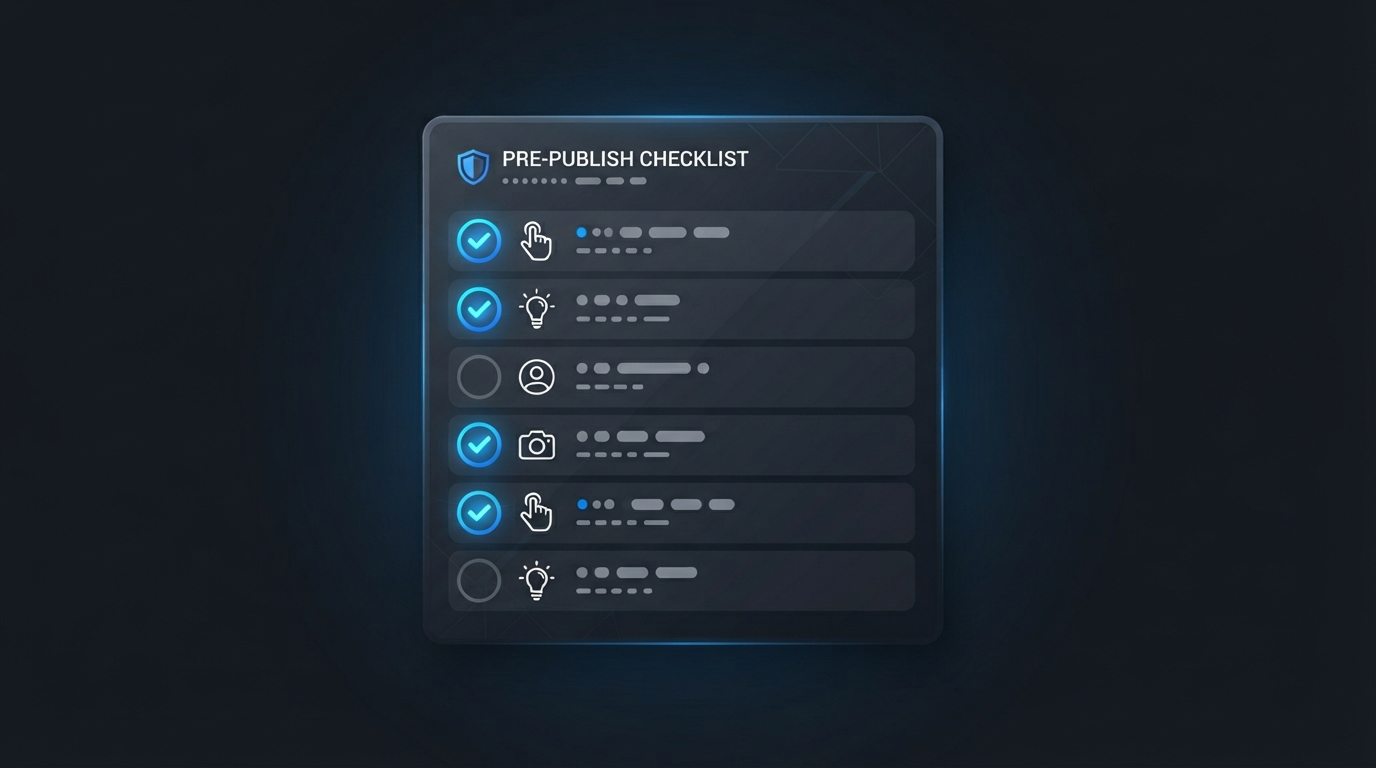
Before a generated clip goes into your final edit, run it through this:
1. **Are there hands in a close or prominent shot?** If yes, watch that section at half speed. Regenerate or reframe if fingers look wrong.
2. **Does the lighting stay consistent across the clip?** Pulsing or shifting brightness usually means the prompt described more than one light source.
3. **Does any face change expression mid-shot?** Small, subtle mismatches are more distracting than no expression change at all — shorter clips avoid this entirely.
4. **Do background objects hold their shape between cuts?** If something warps or relocates, it's an object-permanence failure, not something you can prompt your way out of after the fact.
5. **Is the camera movement simple?** Fast pans, zooms, and complex motion are where physics inconsistencies show up first. Slower is safer.
6. **Would this shot survive being watched at 0.5x speed?** If it only looks convincing at full speed, viewers scrubbing or on a slow connection will catch it.
7. **Did I generate this from a real reference pattern, or a cold prompt?** Clips grounded in an actual video's pacing and framing fail this checklist far less often than clips built from a text description alone.
Keep this list next to your export button. It takes under a minute per clip and it's the difference between a video that reads as polished and one that reads as "AI slop" — a distinction that matters for viewers, and increasingly for platform monetization policies too, since channels leaning on templated, untransformed AI output are facing more scrutiny than they were a year ago.
## Not Every Artifact Is a Dealbreaker
It's worth being honest about which artifacts actually cost you viewers and which ones nobody notices. A slightly-too-smooth background pan in a b-roll shot, three seconds into a video, rarely registers. A warped hand in your opening frame — the one competing for attention in [the first three seconds](https://clipnovia.io/blog/why-do-views-drop-after-a-viral-video) before someone decides whether to keep watching — is a completely different situation. Prioritize your fixes around what's actually in frame during your hook and your close-ups, not every imperfect frame in the whole video.
This is also where [reverse-engineering a viral video's structure](https://clipnovia.io/blog/how-to-reverse-engineer-viral-videos) pays off twice: once for the pacing and hook pattern itself, and again because a reference video gives your generation something concrete to match instead of a blind guess — which is exactly what keeps the output from drifting into the artifacts above in the first place.
Paste a reference video into ClipNovia and it extracts the actual pacing, framing, and lighting pattern from real footage instead of guessing blind from a text prompt — so the video you generate reads as intentional, not artificial, before you ever hit export.
## The Bottom Line
AI video artifacts aren't random, and they're not a sign you need to keep re-rolling the same prompt and hoping for a better result. Hands, lighting consistency, and frame-to-frame object permanence are the three places generation breaks down most predictably, and each one has a specific, checkable fix — shorter segments, simpler camera movement, single-source lighting, and hands kept out of close-ups. The creators whose faceless content doesn't scream "AI-generated" usually aren't using a fundamentally different tool; they're grounding their generations in a real reference pattern and running the same five-point check before every clip goes out. That's a workflow difference, not a luck difference, and it's one you can start applying to your very next render.