Do You Have to Label Your AI Short? A Seven-Line Decision Card for Every Step of a Faceless Workflow
# Do You Have to Label Your AI Short? A Seven-Line Decision Card for Every Step of a Faceless Workflow

You do not label a video because you used AI. You label it when a viewer could mistake what they see or hear for a real recording of something that happened. On October 22, 2026, YouTube help text on altered or synthetic content still lists four triggers: a real person appearing to say or do something they did not, altered footage of a real event or place, a realistic scene that never occurred, and AI music that is the main focus of the video.
**The question is never "did I use AI?" It is "could a viewer mistake this for a recording of something real?"**
Most guides answer this with a long list of rules. A faceless workflow has five or six separate steps, and each one gets a different answer. This post gives you one card you can paste into your upload checklist and run per step. It is a reading of public policy text, not legal advice and not a guarantee about how YouTube will treat a given video.
## The card (copy this)
```
AI DISCLOSURE CARD - run once per Short, before upload
1. Real person? Does any frame or voice show or imitate a real, identifiable
person doing or saying something they did not? YES -> label
2. Real place? Is any footage of a real event or place altered or invented
so it could pass as a recording? YES -> label
3. Photoreal? Is any scene photorealistic and never actually happened,
so a viewer could take it for real? YES -> label
4. Music? Is AI-generated music the main focus of the video? YES -> label
5. Clearly unreal? Is everything animation, fantasy or obviously stylized?
If 1-4 are all NO and 5 is YES -> no label needed
6. Cosmetic only? Only color, captions, upscaling, audio repair, scripts,
thumbnails or your own cloned voice? NO label needed
7. Unsure? Label it. Disclosure alone does not limit audience or
eligibility to earn money (YouTube help text).
Log: [date] [video] [answers 1-7] [label Y/N]
```
Questions 1 to 4 mirror YouTube own list of what requires disclosure. Questions 5 and 6 mirror its list of what does not. Line 7 is the tie-breaker, and it is our recommendation, not a YouTube rule. YouTube says disclosure does not limit a video audience or affect eligibility to earn money, so the cost of an unnecessary label is small next to the risk described below.
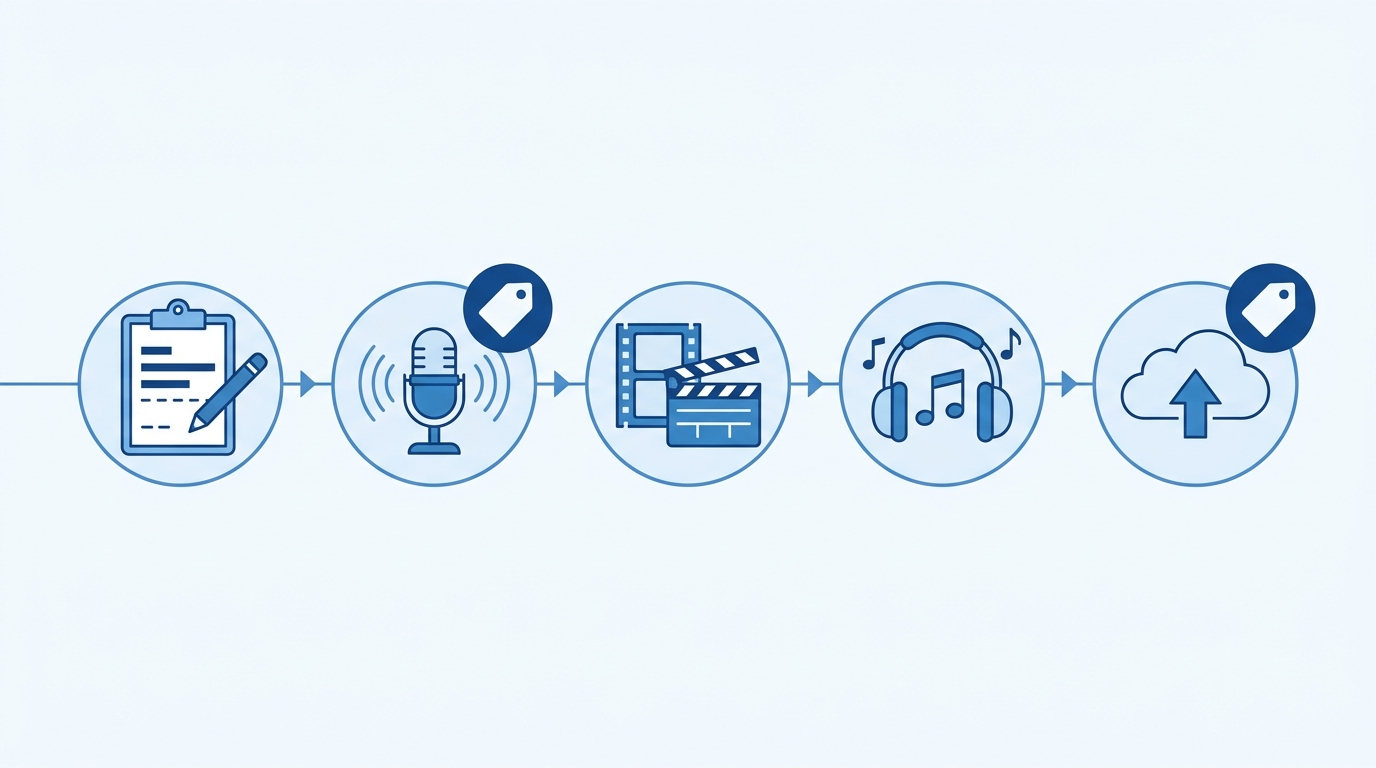
## Run the card per step of a faceless workflow
| Workflow step | Typical AI use | Card result | Why |
|---|---|---|---|
| Script and title | AI drafts or outlines | No label | YouTube lists scripts, thumbnails and idea generation as not requiring disclosure |
| Your own voice, cloned | Voiceover or dub in your voice | No label | Listed as not requiring disclosure |
| Stock AI narrator that copies nobody | Generic synthetic voice | Gray area | YouTube help does not address this case; AIR Media-Tech treats it as label-free (article dated 2026-09-30), which is their reading, not YouTube text |
| Voice built to sound like a real person | Celebrity or creator voice | Label | Real person saying something they did not |
| Animated or stylized b-roll | Cartoon, fantasy, obvious illustration | No label | Non-realistic content is listed as not requiring disclosure |
| Photoreal AI footage of a place or event | Realistic city, crowd, disaster, news-style scene | Label | Realistic scene that did not occur, or altered real place |
| AI music as the main focus | Generated track carries the video | Label | Listed trigger |
| Captions, color, upscaling, audio repair | Cosmetic edits | No label | Listed as not requiring disclosure |
Sources: YouTube help, altered or synthetic content (support.google.com/youtube/answer/14328491, read 2026-10-22); AIR Media-Tech, YouTube AI disclosure in 2026 (published 2026-09-30).
The gray-area row is where most faceless channels actually sit, and it is the one place we cannot give you a source-backed answer. We would label the video if the narrator voice could plausibly pass as a real named person, and skip it if it is clearly a generic synthetic voice. That is judgment, not policy.
## What YouTube can do if you skip it

You can set the label yourself at upload in YouTube Studio under Attributes, then AI use. YouTube help text also says creators who consistently do not disclose may have a label applied manually or face penalties, including content removal or suspension from the YouTube Partner Program. The trigger is a pattern, and YouTube has not published a step-by-step penalty ladder, according to AIR.
YouTube may also apply a label itself. Per AIR, since May 27, 2026, its systems can label heavy photorealistic AI use that a creator did not disclose. Labels from YouTube own tools such as Veo, or from files carrying C2PA fully generative metadata, are permanent, while labels you set or that detection applied in error can be changed in Studio. Detection does not catch everything, and you should not plan around that.
Where the viewer sees it: on Shorts the label appears as an overlay on the video itself, per ppc.land reporting on a YouTube change announced May 29, 2026. A label by itself does not change where a Short ranks, according to that same report, since ranking follows viewer signals such as watch time and engagement.
## The part a label does not fix
A label answers a question about honesty. It does not answer a separate question about whether the channel is original. YouTube monetization policy on inauthentic, mass-produced or template-driven content is a different rule, covered in [YouTube AI channel monetization rules in 2026](/blog/youtube-ai-channel-monetization-rules-2026), and the question of recreating someone else video is covered in [is it legal to recreate a viral video with AI](/blog/is-it-legal-to-recreate-a-viral-video-with-ai). Passing the disclosure card tells you nothing about either.

## Make the card part of your shot list
The cheapest time to answer questions 1 to 4 is before you generate footage, not at upload. If a shot is photoreal and shows a real-looking place, you already know it will need a label. Writing that into the shot plan lets you choose stylized footage on purpose when you would rather not carry the label. The shot planning format is in [One Shot Card, Three Prompt Orders](/blog/ai-video-shot-card-prompt-template). Add one more field to each card: Photoreal real-world scene, yes or no.
## Frequently asked questions
**Do I have to disclose AI-written scripts?**
No. YouTube help text lists scripts, thumbnails and idea generation as not requiring disclosure.
**Do I need a label if my voiceover is a clone of my own voice?**
No. Cloning your own voice for voiceovers is on the list of uses that do not require disclosure.
**Does an AI label hurt my reach or monetization?**
YouTube states that disclosure alone does not limit a video audience or affect monetization eligibility. Monetization risk comes from separate policies on inauthentic content.
**Does the rule apply to Shorts?**
The YouTube help page we read does not mention Shorts separately. Reporting on a May 2026 change says the label shows as an overlay on Shorts.
**Is an AI narrator without a real-person voice covered?**
YouTube help text we read does not address it. We treat it as a judgment call and explain how above.
## Plan the shots before you pay for them
If you are rebuilding a winning Short as an original piece, ClipNovia helps you break its structure into scripts and shots, so you can decide which scenes will be stylized and which will need a label before you generate anything: [try it in ClipNovia](https://clipnovia.io/?utm_source=blog&utm_medium=post&utm_campaign=youtube-ai-disclosure-decision-card-faceless-shorts).
*Policy text read from YouTube help on 2026-10-22; secondary sources AIR Media-Tech (2026-09-30) and ppc.land (2026-05-30). This is a plain-language summary, not legal advice. Policies change, so check YouTube help before relying on it. Update by 2026-12-22.*